


Why Use UPS? Why is UPS Necessary?

You assume that the electricity you get from the socket is always of the same quality. However, the mains voltage fluctuates constantly during the day, there are sudden outages, lightning and switch operations, and even a motor operated by your neighbor affect the line. Sensitive devices such as computers, servers, modems, cameras and medical devices "swallow" this broken electricity every time and pay for it either immediately or months later. This is exactly why a UPS (uninterruptible power supply) is used. In this article, we explained why a UPS is necessary, what problems it protects against and when it pays for itself.
Short answer
A UPS does two things: it continues to power your devices for a few minutes (or hours) when the power goes out, and it cleans and regulates the voltage when power is available. Thus:
- Due to sudden closure Data loss and disk corruption It is unlivable.
- High and low voltage, sudden voltage pulses Devices are not damaged.
- Business, production and security systems uninterrupted continues to work.
- The outage will cause Cost of downtime, repair, and data recovery disappears.
In general, the price of a UPS is small compared to the devices it protects or the data that will be lost. We explain it one by one below.

Grid electricity is not as clean as you think
The nominal voltage in networks in Turkey and Europe is 230 V. The European network quality standard EN 50160 also considers a ±10% deviation in this value at 95% of the week as normal. In other words, between 207 V and 253 V is considered "compliant with the standard". Instantaneous events, interruptions and pulses that go beyond this range are already outside the scope of the standard. Therefore, what happens to your devices is often not a "malfunction", but the normal behavior of the network.
| Network problem | What happens? | Effect on the device |
|---|---|---|
| Blackout | Electricity goes completely | Instant shutdown, loss of unsaved work and data, file system corruption |
| Sudden commute (micro-interruption) | It cuts off a fraction of a second and comes back | The device restarts, if the disc is interrupted while writing, it will break down, there will be a sudden current shock |
| Low voltage (sag/brownout) | Voltage drops for a short or long time | The device restarts, the motors draw excess current and heat up, the adapters work inefficiently |
| High voltage (swell/overvoltage) | Voltage rises above nominal | Capacitor and power supply life is shortened, sudden failure |
| Voltage pulse (surge/spike) | Very short duration very high voltage (lightning, large load switching) | Motherboard, modem, power supply may burn |
| Electrical noise | A high frequency of distortion is superimposed on the voltage | Random freezing, measurement errors, audio/video noise |
| Frequency deviation and harmonics | Waveform and frequency are distorted | Error in sensitive devices, extra heating in motors and transformers |
For details of these headings, see. What is Power Quality?, Sudden Voltage Pulses and Surge Arrester and Electrical Noise (EMI/RFI).
What happens to devices when electricity goes back and forth instantly?
The most common cause of damage is not a complete outage, It is cut off and coming back. When the electricity goes back and forth for a very short time, the power supply of the device switches off and on uncontrollably. Three things happen:
- Disk cut during write: If the computer, NAS, or server burns energy while writing a file to the disk, the file is left unfinished. It may not be noticed at once, but the file system and database gradually become corrupted. When the disk restarts, it drops to the "checking" screen, sometimes not turning on at all.
- Current shock when coming back: As soon as the electricity is restored, all devices draw energy at the same time. Capacitors and semiconductors in the power supply are forced under this sudden load. Repeated events shorten the life of the device.
- Mechanical Parts: Mechanical devices such as hard disk heads, printers and CNC are not ready for sudden stops. Unfinished parts in production become a broken print in the printer and a broken tool in the CNC.
In a system with a UPS, none of these events reach the device. When there is an outage, the battery is activated immediately (the transition time is zero in the online UPS), the device does not feel the interruption and you save your work and shut down regularly. See Automatic Shutdown of Servers in the Event of a Power Outage.
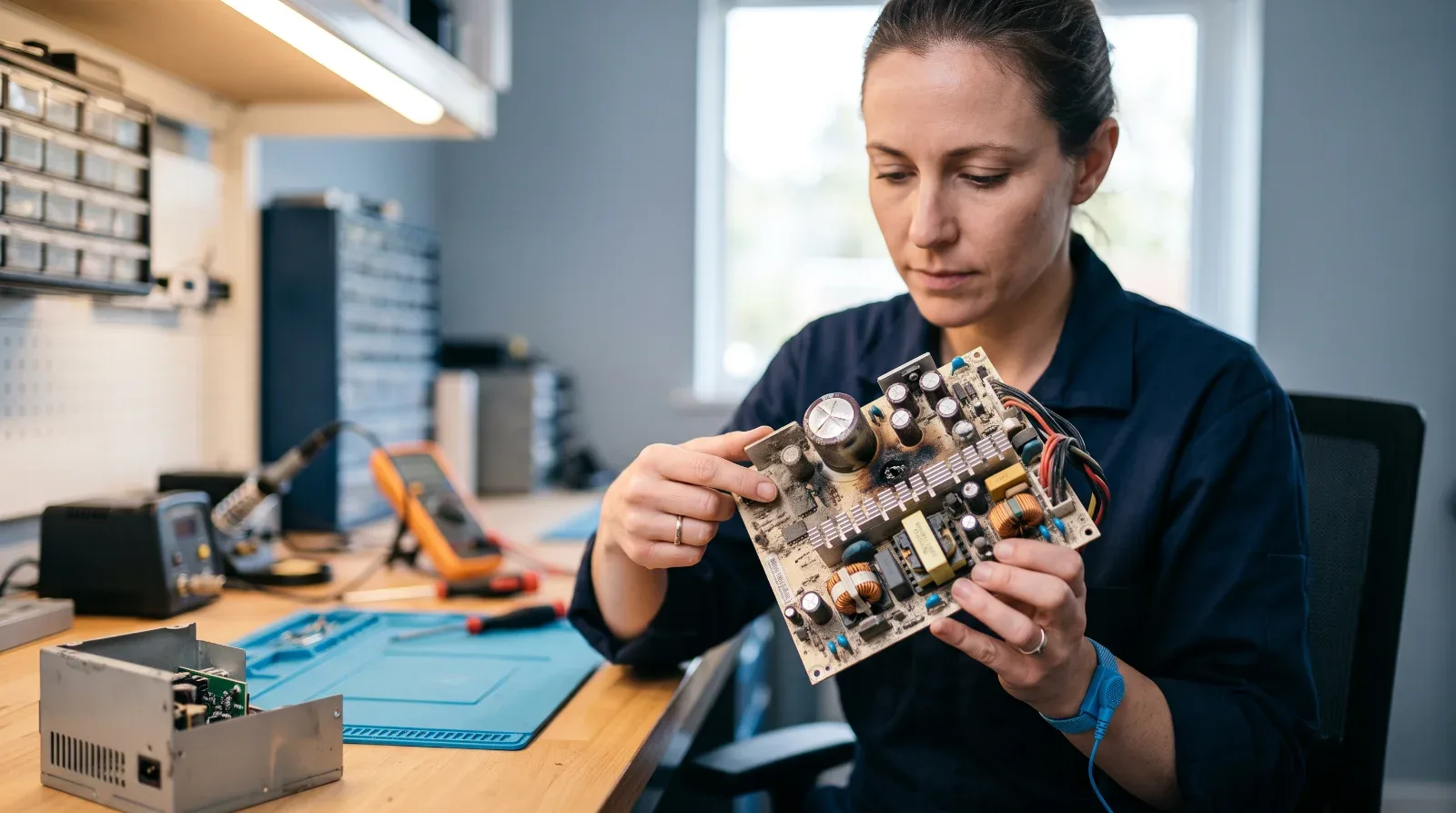
How do high and low voltage wear out devices?
Low voltage
When the voltage falls, power supplies to draw the same power More current pulls. Excess current causes heating of the cables and parts inside the device. Motorized devices such as refrigerators, air conditioners and pumps have difficulty traveling at low voltage, the windings heat up and the life of the compressor is shortened. In computers and servers, if the voltage falls below the operating range of the power supply, the device suddenly shuts down and the above disk problems occur. Even if the device does not shut down, it works inefficiently: it consumes more energy, heats up more.
High voltage
The voltage above the nominal puts more than enough load on the internal parts of the device. Especially electrolytic capacitors are quickly affected by this and become inoperable over time. Most of the time, the device does not break down at that moment; its life decreases silently and this is the reason for some of the failures called "broken when the warranty expires". Sudden shocks (surge) can burn the motherboard or modem in one go.
How does UPS solve this?
- Online (double conversion) UPS: It converts the incoming electricity into a continuous battery and back into a clean sine wave. Voltage, frequency and noise problems never reach the device. It gives the best protection.
- Line-interactive UPS: With the automatic voltage regulator (AVR), it recovers the voltage within certain limits, and when it goes beyond these limits, it switches to the battery. It is common and economical for home and small office.
- Offline (standby) UPS: It mainly switches to the battery on an outage, voltage correction is limited. It is for simple uses that want basic protection.
For the difference between types, see. Types of UPS.
UPS vs. new device: cost comparison
It's a common mistake to treat buying a UPS as an "additional expense." The question is: How much would this electricity thing cost me? Here's how to make your own calculation:
- Renewal cost of the device: Type the total replacement cost of the devices you want to protect (computer, server, NAS, modem, switch, camera recorder, printer, medical or measuring device).
- The value of the data: Records, customer data, photos and archives that cannot be reproduced if lost. This pen is often more expensive than the device itself.
- Downtime cost: Hours of idle employees, stopped production line, cash register that cannot sell. Hourly cost × downtime and repair time.
- Repair and recovery: Service fee, data recovery service, waiting time.
Let's illustrate with an example (the numbers are purely hypothetical, replace them at your own prices): let X be the total replacement cost of a chassis computer, NAS, and network devices in an office, and the cost of one hour of downtime is Y. If a device breaks down and work stops for two hours in a single serious electrical incident, the loss is about device cost + 2Y + service happens. An office UPS is bought once for less than this in most cases and maintains it for years. The cost of battery replacement is also added periodically, but it is much less than the cost of a single broken device. Detailed method for businesses: How to Calculate the Cost of a Power Outage to the Business?, for the total cost UPS Efficiency and Total Cost of Ownership.
Remember: the warranty often does not cover electrical damage. The manufacturer may consider a device that burns out as a result of a "mains surge" to be user error. This is one of the aspects of the UPS that pays for itself.

Advantages of uninterrupted electricity
- Data Security: File, database, and record integrity is preserved.
- Device life: Devices live longer because sudden shocks, high-low voltage, and noise are reduced.
- Continuity: Safe, reservation, security camera, door access and communication systems also work in case of outage. See UPS in Business Continuity Planning.
- Controlled shutdown: If the electricity lasts for a long time, the devices are turned off without being damaged, keeping the records.
- Efficient operation: At balanced voltage, devices draw less current and heat up less.
- Safety and life safety: Fire alarm, emergency lighting, elevator rescue and medical devices must also work in an outage. See Elevator Rescue Systems and Uninterrupted Power for Home Medical Devices.
- Tranquility: Weather or electrical failure does not threaten your work and devices.
Who is required for UPS?
- Home workers and players: For computer, modem, and external disk. See UPS for Home & Small Office and UPS for Gaming PC, Home Server, and NAS.
- Offices and practices: See UPS for Offices and Plazas.
- Server, network, and data rooms: See UPS for Server Room.
- Security Systems: Camera, NVR, alarm. See UPS for Security Camera and NVR.
- Healthcare, laboratory, and industry: See UPS Selection by Industry.
Does UPS solve every problem?
To be honest: UPS is not a cure-all.
- Time is limited: The UPS continues to energize for the duration of the battery. A generator is required for hours of outages. See Differences Between UPS and Generator.
- The regulator is different: A regulator that only corrects the voltage provides no protection in the event of an outage. See UPS vs. Regulator Difference.
- Direct lightning strike: In addition to the UPS, surge arrester and correct grounding are required against severe impacts.
- The right choice is essential: A UPS that is not selected according to the power of the devices and the times you want will either not be enough immediately or will be unnecessarily expensive. See. How to Choose a UPS? and How to Calculate UPS Power?. For quick calculation power calculator You can use it.
- Requires care: Batteries age over time. See When Should a UPS Battery Be Replaced? and What is UPS Maintenance?.
If you want to learn what a UPS is and how it works from the beginning, see. What is UPS? and How Does UPS Work?.
Frequently Asked Questions
01Will computer break without UPS?
02Does a UPS only work when the power goes out?
03Does the voltage protector I plug in replace the UPS?
04Does a UPS really extend the life of the device?
05Is UPS necessary at home?
06Is the cost of UPS worth protecting the device?
Let's Choose the Right Solution Together
Tell us your needs and devices, and we will determine the suitable UPS together. UPS products or You can contact us.
