


UPS Won't Turn On: Possible Causes and Safe Initial Checks

It's annoying when you press the power button on an ordinary morning without waiting for a power outage and the UPS doesn't respond. Moreover, since the main job of the UPS is to protect your computer, server, camera or chassis system, a UPS that won't turn on means a silent risk: the moment you realize there's no protection is usually the moment an outage occurs.
This guide addresses the UPS "not turning on" complaint in a common order: first the mains side, then the protection elements, the battery, the load and finally the internal faults. We have clearly separated which control can be safely performed by the user and which should be left to authorized personnel. It was written for home and small office users, business owners, IT and technical officers, and purchasing units.
The details in the article are a general framework. The starting logic of each UPS is different from each other with the input switch, battery connection and display language; the user manual of your device always takes precedence.
What exactly happens when UPS says "won't turn on"?
The first step is to correctly describe the situation you are experiencing. The complaint "won't turn on" covers at least four different situations, and each has a different possible cause.
- No reaction at all: The display is off, the LED is not lit, there is no fan noise. A problem with mains input, ingress protection, battery connection or power stage comes to mind.
- Opening and closing immediately: There is a short beep or LED flash, but there is no output. It is mostly caused by the load, battery or input voltage.
- Turns on, but does not exit: The display or LED lights up, but the connected devices do not work. The output switch, bypass status or inverter side comes to the fore.
- Turning on in battery mode only: When plugged in, it remains in battery mode, or it is switched on in battery mode but not on the mains. The problem is most likely on the input side.
If there is a message or code on the screen, make a note of it. For how to read alarm codes UPS alarm and error codes guide, for the meaning of voice alerts Why does UPS crow in our article You can look at it.
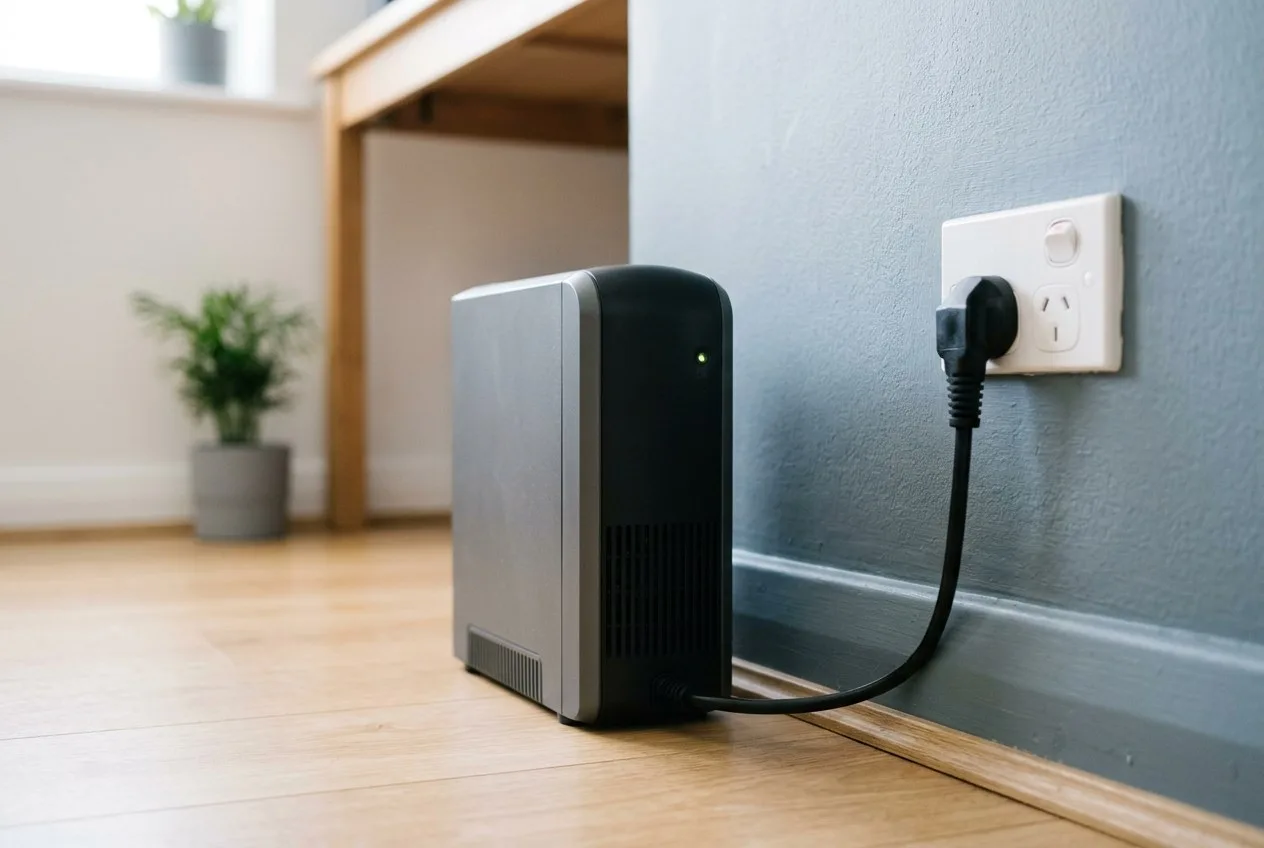
Safety first: What checks should you do yourself?
There is not only mains voltage from the socket inside the UPS. There is DC voltage from the battery bank, capacitors that can hold a load for a while after the device is turned off, and lead-acid batteries that can deliver very high current in case of a short circuit. Therefore, all initial checks are carried out by outside should be limited to the operations that can be performed. IEC 62040-1, the UPS safety standard, aims to reduce fire, electric shock, thermal and energy-related hazards; the standard makes a conscious distinction between the ordinary user and trained personnel (service personnel).
As a user, you can safely do the following:
- Visually checking the power cord, socket and multi-socket extension cables,
- To look at the status of the relevant fuse on the panel,
- Using the switches and buttons on the back panel of the UPS left to the user in the manual,
- For small UPSs, check the battery connector as described in the manual,
- Reducing the load on the output, disconnecting the devices one by one and plugging them back in.
What you should not do:
- Removing the case, touching the card or power module,
- Replacing internal fuses or capacitors,
- Disassembling and installing battery cables (especially in external battery cabinets and large systems),
- Touching swollen, leaky, smelly or heated batteries,
- Forcibly removing the throwing guard one after the other.
Why battery and UPS work requires authorized personnel In our occupational safety article We explained it in detail. The following order was designed in accordance with this limit.
Step-by-step initial check: Grid input
Manufacturers' own troubleshooting tables put the item "no power at the input or poor quality" at the top of the list when the UPS won't turn on. While the reason may seem simple, this is the most frequently skipped step.
- Verify the outlet. Plug a lamp or charger into the same outlet to see the electricity coming in. The fuse or residual current relay behind the outlet may also have blown.
- Check the cord and extension. Plug the power cord of the UPS directly into the wall outlet; if you are using a multi-socket extension, a timer outlet, or a cheap converter, unplug it. Plugging UPSs into an extension cord poses both a contact problem and a risk of heating.
- Look at the cable ends. Make sure the input on the UPS side fits snugly; looseness in detachable cables is a common problem.
- Inspect the input switch. Larger small-office models have an input switch on the rear panel; if it is off, the UPS will not see the mains at all. According to the manufacturer's information, some models above 1500 VA require this switch to be in the on position and is usually next to the power cord.
- Consider the voltage quality. UPSs may reject the mains if the input voltage is outside the acceptance range. If the voltage is too high, too low, or in a distorted waveform, the UPS will not operate even if the outlet is "powered." Manufacturers also state that in some cases, voltage can be affected by disturbances (such as harmonic distortion) that cannot be measured with a simple multimeter.
In mains and generator-fed systems, input quality issues may appear differently. Track recurring grid problems power quality from our article You can drive.
Cold start test: Is the problem with the network or the UPS?
Many UPSs can only be turned on from the battery when there is no mains. This feature is Cold Start is called. In the manufacturer's manuals, this process is described as a simple step of pressing and holding the power button for a few seconds and waiting for the device to emit two beeps; however, the step varies depending on the model.
The logic of the test is as follows: If the UPS is switched on with battery power, the inverter, control card and battery are basically working; a problem should be looked for at the mains input or input protection. If the device does not turn on in this way, the battery, battery connection or internal fault come to the fore. Some manufacturer's documents associate only beeping without output with a deep discharge in the battery and recommend charging it first.
Points to note:
- Try cold start without connected devices, i.e. UPS idle.
- Some models do not accept a cold start if the battery charge level is low (e.g. below about 30 percent); this is not a malfunction, but a design limit. As for the mains, normal opening is possible.
- Cold start is not available on every UPS. If it is not described in the manual, do not try it.
- After a successful cold start, in some models, when the UPS is in battery mode, plugging in the power cord is used to observe the transition to the mains.

Protection elements: Input switch, resettable fuse and internal fuses
Small and medium-sized UPSs have a resettable protection button on the rear panel that trips at overload. Manufacturer sources say that this switch may pop out if too many devices are connected to the output, in which case the load should be reduced and the button should be pressed back in. If the button does not stay in place, technical support or service should be activated.
The critical rule here is: The switch is lifted once, and if it trips for the second time, it is not forced without finding the cause. A relapsed protection may indicate that the load is still too high, that there is a short circuit at the output or that an internal fault has occurred.
Internal and battery fuses
Every UPS has a mains input fuse and battery line fuse inside the case, which cannot be seen by the user. If the input fuse is blown, the UPS will not see the mains at all; if the battery fuse or battery protection is disabled, some devices may turn off the output and display completely because they cannot see the battery voltage in their test. In the technical literature, the blowing of the battery fuse at high load in battery mode is a finding indicating that the battery current is excessive. Although these fuses may seem like a "small part", it is important why they blow; replacing them with a new one does not fix the cause. This process belongs to the service personnel.
Battery-related causes: Not connected, discharged or expired
The battery is one of the most common reasons why a UPS won't turn on. Manufacturer information indicates that some Smart-UPS families require a working battery, and if the battery is not connected or completely discharged, the device will not turn on. This behavior does not apply to all models; some models may output when the battery is broken or unconnected, but they do not provide protection.
Battery connector
In small UPSs that have just been purchased or transported, one of the battery terminals may be ripped off due to transport rules. The manual or the warning label on the device says how to make the connection. This connection should only be made as described by the manufacturer. Do not attempt this step yourself in systems that use an external battery cabinet.
Deep discharge and charging time
A battery that has been switched off for a long time or completely discharged after a long interruption may not be able to maintain enough voltage to turn on the UPS. In this case, manufacturer sources recommend charging the battery by leaving the UPS plugged in; 12 hours for a small model and 24 hours for some household devices. These are sample values, refer to the device's manual for the exact time. If there is still no response after a few charging hours, the battery may have reached the end of its life. For factors that drive the battery into poverty in terms of capacity battery does not charge or drains quickly to our article, for systems that have been shut down for a long time to the recommissioning guide Check it out.
End-of-life battery
Closed-type (VRLA) lead-acid batteries usually last for several years; ambient temperature, number of discharges, and charge pattern change life significantly. A UPS with a dead battery may not turn on, while others will experience continuous alarms or very short backups. To find out battery age and test status When to replace a UPS battery You can look at the symptoms in the article.
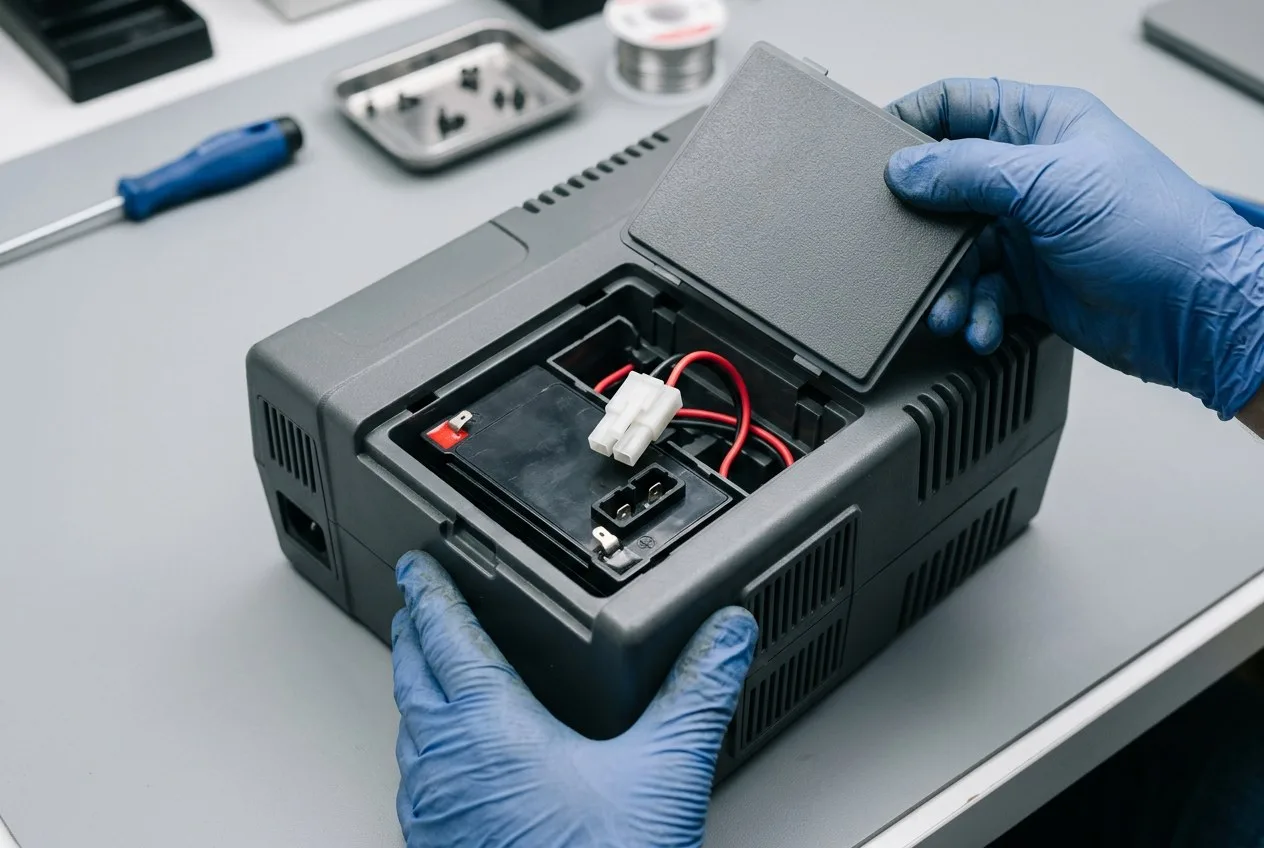
Overload and output side: Suspect connected devices, not UPS
The capacity of the UPS is specified in both VA and Watts; the actual limit is usually Watts. With an overload, the UPS may reject the output at power-up, throw a switch, or shut down immediately. A simple example:
Assumptions: A 1000 VA UPS has a power factor of 0.6 (this value varies by model, check on the label). The usable power is approximately 1000 × 0.6 = 600 W.
| Connected device | Approximate power (W) | Note |
|---|---|---|
| Desktop computer | 250 | Under load |
| Monitor | 40 | |
| Modem and router | 15 | |
| Total (without printer) | 305 | About half of the capacity, suitable |
| If a laser printer is added | 600 and above (on first departure) | Total approx. 905 W, exceeds capacity |
In this example, when the printer is connected to the UPS, the total load exceeds 600 W; the switch may trip or the UPS may not turn on. The laser printer, air conditioning compressor and motorized devices draw several times their rated current at first start-up; details of this topic Motor, Air Conditioner and Laser Printer in our article processed. For the calculation method How to calculate UPS power You can look at the article; if it is an overload alarm In a separate guide explained.
How is load testing done?
- Turn off the UPS and remove all devices from the outlet.
- Try turning on the UPS without load.
- If it turns on, plug in the devices one by one in order of importance; wait a while after each addition.
- Note the device to which the UPS or switch reacts and disconnect it from the UPS.
If the UPS turns on at idle and turns off when the load is plugged in, the problem is mostly caused by the load. If it does not turn on at idle, the internal fault of the mains, battery or UPS is investigated.
Table of possible causes by symptom
| Symptom | Possible cause | A first check that can be done safely |
|---|---|---|
| No lights/screens at all | No power in the socket, the cable is loose, the input switch is off, the battery is not connected | Try the socket with another device, plug the cable into the wall socket, check the input switch and the battery connection (in the case of the small model) according to the instructions |
| Opens and closes immediately | Overload, weak battery, input voltage out | Empty the outlet and turn it on without load, add the devices one by one |
| The switch trips repeatedly | Load excessive, short circuit at output, internal fault | Reduce the load and raise it once; if it beats again, stop and report it to the service |
| Turning on in battery mode only | Input voltage or frequency out of range, input protection or input side fault | Try another outlet/line; if there is a generator, record its status |
| Beep hears, no exit | Deeply discharged battery, output off | Leave the UPS charging, see the start-up steps in the manual |
| Burning smell, warming, blistering | Battery swelling, internal failure, overheating | Do not touch, turn off the device and disconnect it from the mains (if safe to do so), call for service |
If you want to distinguish whether the device frequently switches to battery mode UPS frequently switches to battery mode The article deals with this distinction separately.

UPS that does not turn on after the incident: Lightning, water and sudden load
If the UPS fails to turn on after an event, that event should be placed at the top of the troubleshooting sequence.
- After a lightning or network impact: The input layer, rectifier or control board may be damaged. Pressing the button repeatedly may increase the damage. For details To the checklist after lightning and network impact Look.
- After flooding or humidity: A UPS and battery that are wet or exposed to heavy humidity pose a serious risk of electric shock and short circuit. Do not attempt to open the appliance; for details Our article after the flood Check it out.
- If it has been closed for a long time: The battery may have discharged on its own; see the deep discharge section above.
- After the new device is added: The probability of overload is the scenario.
Situations where the service should be activated
If there is one of the following situations, it is safer to contact an authorized technical service instead of continuing the checks:
- If the UPS is still unresponsive after the above external checks,
- If the protection switch trips again,
- If there is a burning smell, smoke, crackling or liquid leakage from the device,
- If you see swelling of the batteries, deformation of the case or excessive temperature,
- If there is an opening problem in three-phase, external battery cabinet or parallel systems,
- If the device is supplying a critical load (server, medical device, security system, production line) and needs to operate without interruption.
For more information about a swollen battery Battery swelling article helps. How things work on the service side UPS technical service process You can find it in the article.
| Subject | User can | Authorized service should be done |
|---|---|---|
| Socket, cable, panel fuse | Yes, visual and other device control | Electrician/service for panel and wiring problems |
| Input switch and resettable protection | Yes, once and after reducing the load | If he beats again |
| Small UPS battery connector | Only according to the recipe in the manual | External battery cabinet, large systems, battery replacement |
| Internal fuse, card, capacitor | Nope | Yes |
| Battery testing and replacement | No (especially in groups) | Yes |
| Mains voltage and grounding measurement | Nope | Authorized electrical personnel |
What you need to prepare before calling for service
To ensure that the technician comes with the right equipment, batteries, and spare parts on the first visit, you can collect the following information to reduce the workload:
- Brand, model, kVA/VA value and serial number (from the label on the device),
- The installation date of the UPS and the last battery replacement date,
- The moment the problem started and the event before it (outage, lightning, new device, transportation, water contact),
- A photo or recording of the message on the screen, LED status and beep pattern,
- List of devices connected to the output and their approximate power,
- The controls you have tried and their results,
- Last maintenance report, if any.
Preparation of this information in order In the UPS pre-service request preparation article also described. Additionally, if you are thinking about whether the UPS is operating in bypass mode Continuous bypass mode inscription It would also be useful.
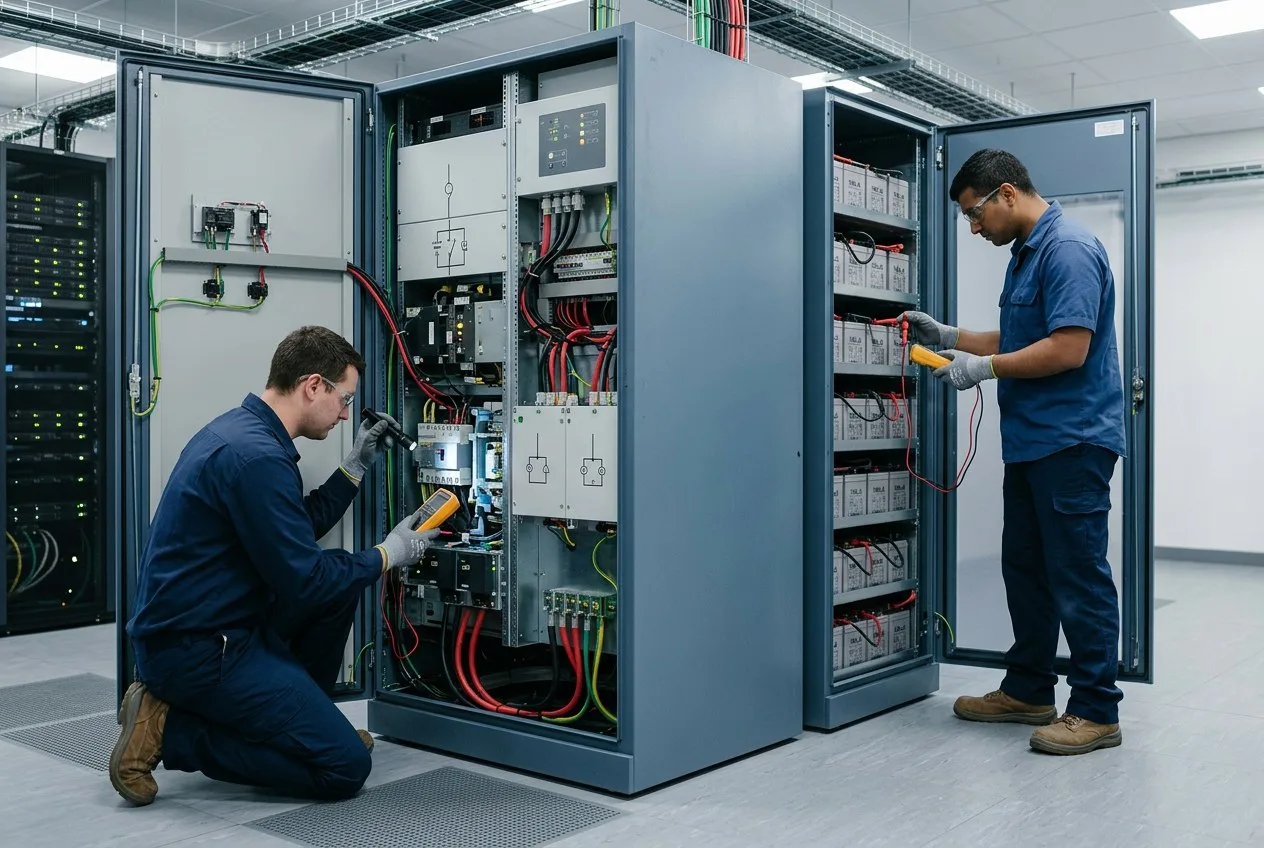
What can be done to avoid the problem of not turning on again?
The majority of UPS failures start quietly: the battery weakens over the years, the load increases over time, the ventilation gets dusty, and alarms go unnoticed. Regular attention reduces the "won't turn on" surprise.
- Annual check: Battery condition, connections, fan and capacitor condition should be evaluated during periodic maintenance. Regarding maintenance frequency UPS maintenance plan guide guides.
- Load tracking: Recalculate the total load when adding a new device to the UPS; do not use capacity at the continuous limit.
- Ambient conditions: Heat and dust age both the battery and the power elements. Leave a ventilation gap around the UPS.
- If not to be used for a long time: Leave the battery fully charged and let the device sit according to the manufacturer's instructions; the battery that remains off will discharge over time.
- Remote monitoring: Alarm notifications on UPSs with network cards can provide warnings before the problem of not turning on occurs.
- Record unexpected behavior: Recognizing symptoms such as frequent battery mode, frequent beeping, short backup time early is the cheapest way to prevent failure.
Common mistakes
- Turning the UPS off and on successively and forcibly removing the tripped switch,
- Trying to change the internal fuse by opening the case of the UPS in case of failure,
- Blaming only the UPS and not the outlet (or vice versa); that's why cold start testing is valuable,
- Removing the battery and using it to "only work with the mains"; in this case, the UPS has no protection from interruption and in some models the device may be damaged,
- Connecting loads such as laser printer, heater or air conditioner to the output,
- Trying the device that has seen water when it "dries",
- Using the same UPS for years without considering battery life.
Support with Bempower
If your UPS still does not turn on after these checks or is feeding a critical load, you can contact the Bempower team for on-site exploration, technical service, battery replacement and periodic maintenance in Istanbul and surrounding provinces. To create a fault record regardless of brand contact page use; model, serial number and sharing your observations will speed up the process.
- IEC 62040-1:2017 Uninterruptible power systems (UPS) - Part 1: Safety requirements — International Electrotechnical Commission (IEC), 2017. https://webstore.iec.ch/en/publication/31983
Resources
