


UPS Frequently Switches to Battery Mode: Is the Problem with the Grid or the UPS?

If you've noticed that the UPS goes into battery mode several times a day, you hear a short beep or click in the room, and the "battery" icon flashes on the screen, you're not alone. If the UPS activates when the power is not going out, it quickly leads the user to the conclusion that "the device is broken" or "the network is bad". However, the real cause is often somewhere in between: plumbing, a large load, a generator, an incorrect setting, or a worn-out battery.
In this article, we discuss the conditions under which the UPS switches to battery mode, when this transition is normal and when it is a warning sign, and what steps can be taken to distinguish whether the cause is in the grid or the UPS. With numerical examples, you will also see how much energy a switch takes away from the battery and common scenarios with the fault-cause-solution table.
Article; It was prepared for home and small office users, business owners, IT and facility managers, and purchasing units responsible for UPS purchase or maintenance. The controls in the article are observation and measurement steps that do not require opening the device; Interventions inside the UPS cabinet or in the battery group are the work of authorized personnel.
When Does a UPS Go into Battery Mode?
A UPS feeds the load from the battery when the input voltage or frequency goes outside its acceptance window. So the trigger is not just a "power out" event. The manufacturer's technical articles summarize this logic as follows: if the input goes beyond the predefined limits, the UPS draws current from the battery via the inverter and remains in this state until the input returns to normal tolerance or the battery runs out (Eaton, UPS basics).
For this reason, the common "in battery mode due to input power issue" message in the UPS's event log does not indicate a complete outage, but that the voltage or frequency is too high, too low, or unstable. The log does not tell you the cause of the problem; it only tells you that the UPS saw an overshoot on the input side.
Input window and tolerance
Network voltage is not a fixed number. The EN 50160 standard in Europe defines the voltage characteristics that can be expected under normal operating conditions at the customer connection point of the public distribution network and gives the nominal value for low voltage as 230 V (CENELEC, EN 50160). In our country, technical quality is defined as the ability to meet the voltage within the limits determined by national and international standards and legislation in terms of frequency, amplitude, waveform and three-phase symmetry (Quality Regulation). In short, deviations of 10% from the grid can be expected; for current limit values, EMRA and the official publications of the distribution company should be consulted.
A 10± deviation at a rated voltage of 230 V corresponds to a range of approximately 207-253 V. If the input window of a UPS does not cover this range, you may see a transition even on a completely "normal" network. Since the window width varies depending on the type, model, and setting of the UPS, it is necessary to look for the exact number in the device's datasheet.
Not all passes are the "same" passes
Switching to battery mode can happen for different reasons and gives the same message:
- Full deduction: The network is really gone. It's normal, and that's what the UPS is for.
- Voltage drop or rise: The tension went beyond the acceptance range for a while.
- Frequency Deviation: It is especially seen in generators and small isolated networks.
- Waveform distortion: Harmonics and load-induced disturbances cause the UPS to detect "bad input."
- Self-test: Some UPSs switch to short-term battery mode for periodic battery testing; this is not a grid issue.
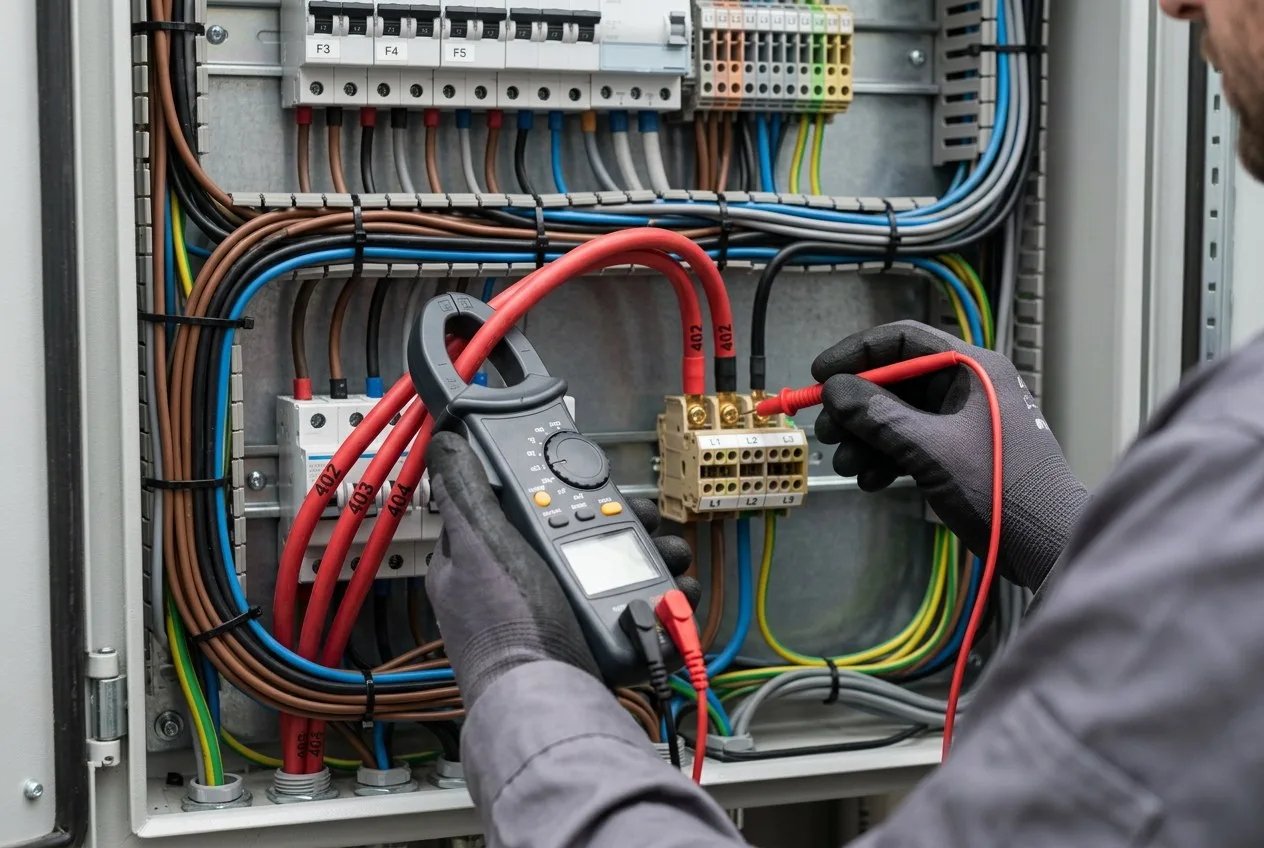
- Internal failure of the UPS: The input measurement circuit, rectifier or relay measures incorrectly and makes unnecessary switching.
How Does the Type of UPS Change Switching Behavior?
"Switched to battery mode" does not mean the same thing for every type of UPS. The IEC 62040-3 standard classifies UPSs according to the dependence of the output on the input: VFD (voltage and frequency dependent), VI (voltage independent, frequency dependent), and VFI (voltage and frequency independent) (IEC 62040-3). This classification is a good start to understanding how each type of UPS will behave in which surge. Details of the types online, line-interactive vs. offline UPS you can find it; here we focus only on transition behavior.
| UPS type | Small voltage deviation | Large deviation / frequency problem | Risk of frequent transit |
|---|---|---|---|
| Offline (passive standby) | Usually switches to battery mode | Switches to battery mode | High |
| Line-interactive | First, it tries to correct with the transformer stage (AVR); the stage sound can be heard | Switches to battery mode | Medium; depending on sensitivity setting |
| Online (double conversion) | It is not reflected in the output | If the input rectifier goes out of range, it switches to battery mode | Low; ECO increases in mode |
There is an important detail here: The "click" sound heard in line-interactive UPSs is not always the transition to battery mode. Changing the AVR (automatic voltage correction) stage of the UPS can also produce the same sound. The status information on the display or in the software indicates which one. In the actual switch, the battery icon lights up and an audible warning is usually given; for the meaning of the sounds The article addressing the question of why UPS crows You can look at it.
The situation is not simple with an online UPS. When operating in ECO (high efficiency) mode, the load is fed from the input line and the inverter is activated when a surge is detected. This is the reason why frequent switching can occur even in an "online" device. If the input rectifier is out of its operating range, there may be a problem of switching between the bypass and the battery.
The Cost of Switching to the Battery: A Numerical Example
The answer to the question "What happens from a few seconds of transition?" is seen more clearly with the calculation. In the example below, the assumptions are clearly written; the actual values vary depending on your device.
| Parameter | Value |
|---|---|
| Load | 600 W |
| Battery group | 2 x 12 V 9 Ah, serial (24 V) |
| Nominal energy | 24 V × 9 Ah = 216 Wh |
| Inverter efficiency (assumption) | %90 |
| Transit time | 30 seconds |
| Number of passes per day | 20 |
- Energy drawn by the load in a single pass: 600 W × 30 s ÷ 3600 = 5 Wh.
- The energy of the battery with the loss of the inverter: 5 Wh ÷ 0.9 ≈ 5.6 Wh.
- Daily total: 5.6 Wh × 20 ≈ 111 Wh.
- Ratio to nominal capacity: 111 ÷ 216 ≈ 51%.
So a single pass uses about 2.6% of the battery; however, 20 passes per day passes half the total rated capacity through the battery. After each pass, the battery is recharged, and that's continuous small cycles for the battery. As the battery ages (its capacity decreases), the depth of the same passes increases. Moreover, if the next pass comes before the batteries are charged, the backup time will be shorter than planned during a prolonged grid problem.
This calculation shows why the "frequent switching is harmless" approach is not correct. If you want to see in detail how the battery life is calculated Battery time calculation in UPS and battery inverter You can look at the article.
What to Do First? Observation and Recording
The most valuable thing for diagnosis is not guesswork, but data. When looking for the cause, follow this sequence:
- Note the transition times. Does it happen at the same time? Hours such as the start of work in the morning, lunch, and evening closing indicate the load-related problem.
- Read the event log. Record from the UPS screen, software or network card; includes date, duration and reason message. For network card and alarm management UPS remote monitoring post helps.
- Record the input voltage. Many UPS displays the instantaneous input voltage and frequency. What was this value during the transition?
- Look at other devices in the same outlet. Are loads such as air conditioners, laser printers, compressors, welding machines, elevators fed from the same line?
- Look at other devices in the same building. Are the lamps dimming at the same time, are other devices restarting? If yes, the problem is not with the UPS, but with the supply line.
These records speed up the job a lot if you need to call for service in the future. What information is useful in the case Information to prepare before a UPS service request We also collected it in the article.
Is the Problem in the Network? Common External Causes
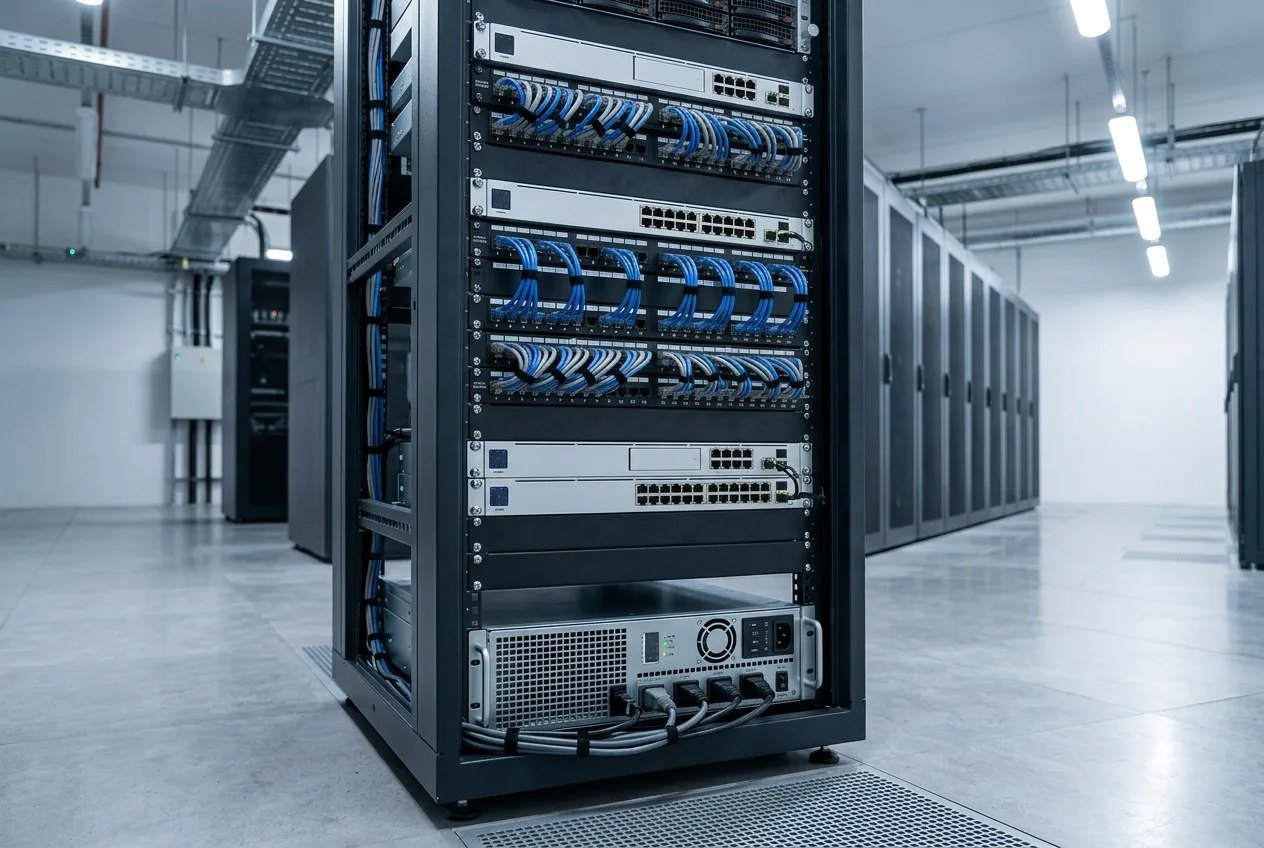
The network side often consists of more factors than expected. Some of them are the responsibility of the distribution company and some of them are the responsibility of your installation.
Voltage drop and sudden load pull
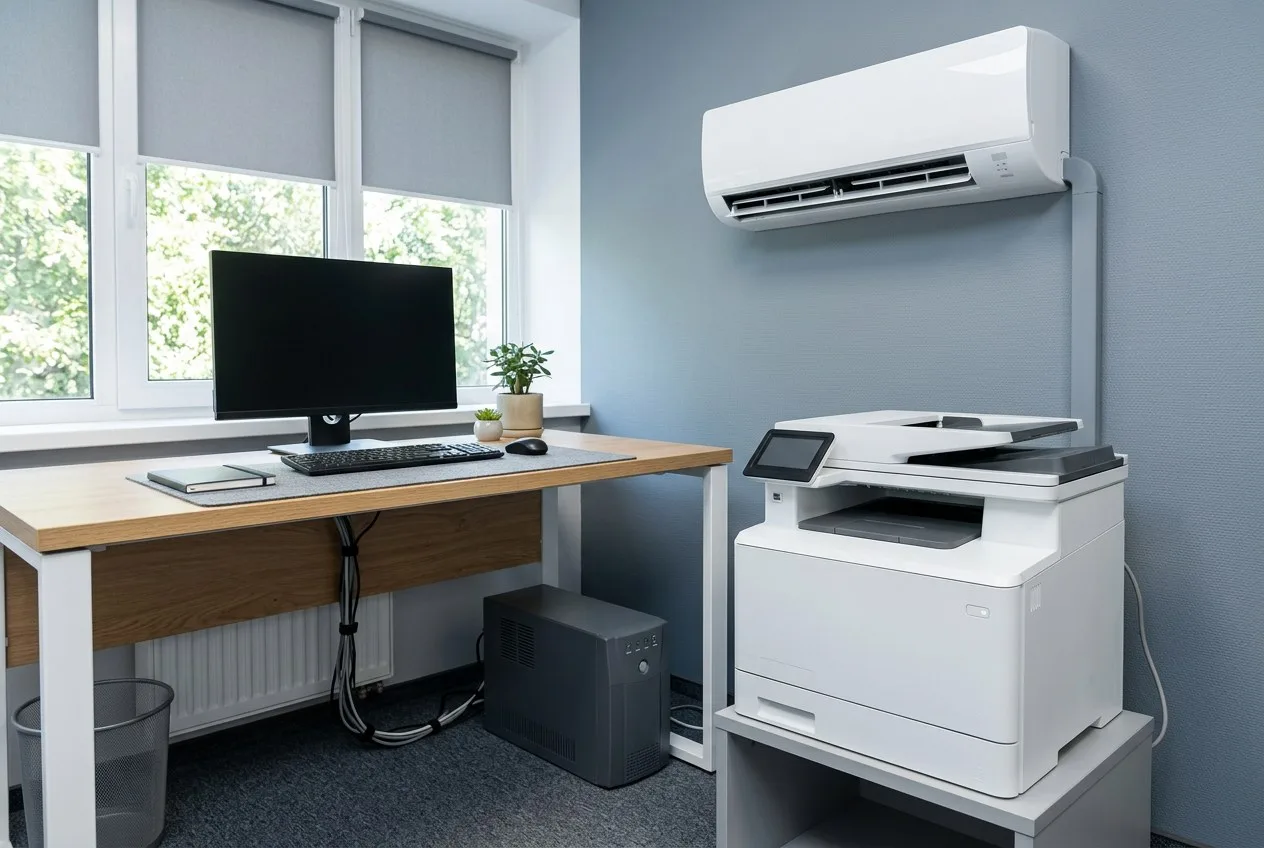
Devices such as air conditioning compressors, motors, laser printers draw several times the rated current for a short time during operation. This current creates a voltage drop on the impedance of the supply line. Example: if the total impedance of the line and installation is 0.5 Ω and the inrush current of the compressor is 20 A, the drop is approximately 0.5 × 20 = 10 V; this corresponds to approximately 4% of 230 V. If the mains is already at a low value of 205 V, the voltage drops to about 195 V when the compressor starts, and it switches a narrow-window UPS to battery mode. Connecting heavy loads to the UPS is a separate issue and Motors, air conditioners and laser printers in the article processed.
Short outages and grid manoeuvres
Automatic re-shutdowns and manoeuvring in the distribution network can create interruptions of a fraction of a second to a few seconds. If the light is blinking in your home, it is natural for the UPS to react as well. In the legislation, an outage is defined as a drop in voltage at the delivery point below five percent of the nominal value (Quality Regulation). Repeated short interruptions are a sign of a problem on the grid side and it is useful to store date-time information for registration with the distribution company.
Plumbing problems
- Loose terminal block, oxidized socket or damaged extension cord: Intermittent contact appears to be a very short interruption in the input of the UPS.
- Overloaded or long line: Continuous low voltage and additional drop when the load increases.
- Poor neutral connection or grounding problems: Voltage fluctuation and deflection as the load changes. In this regard UPS grounding inscription it works.
- Recent lightning or mains strike: The input circuit of the UPS may be damaged; Control letter after lightning and network impact addresses this situation.
Some of these controls (socket, extension cable, load distribution) can be done visually by the user. Panel, terminal and cable interventions are the job of authorized electrical personnel; do not work on energized lines on your own.
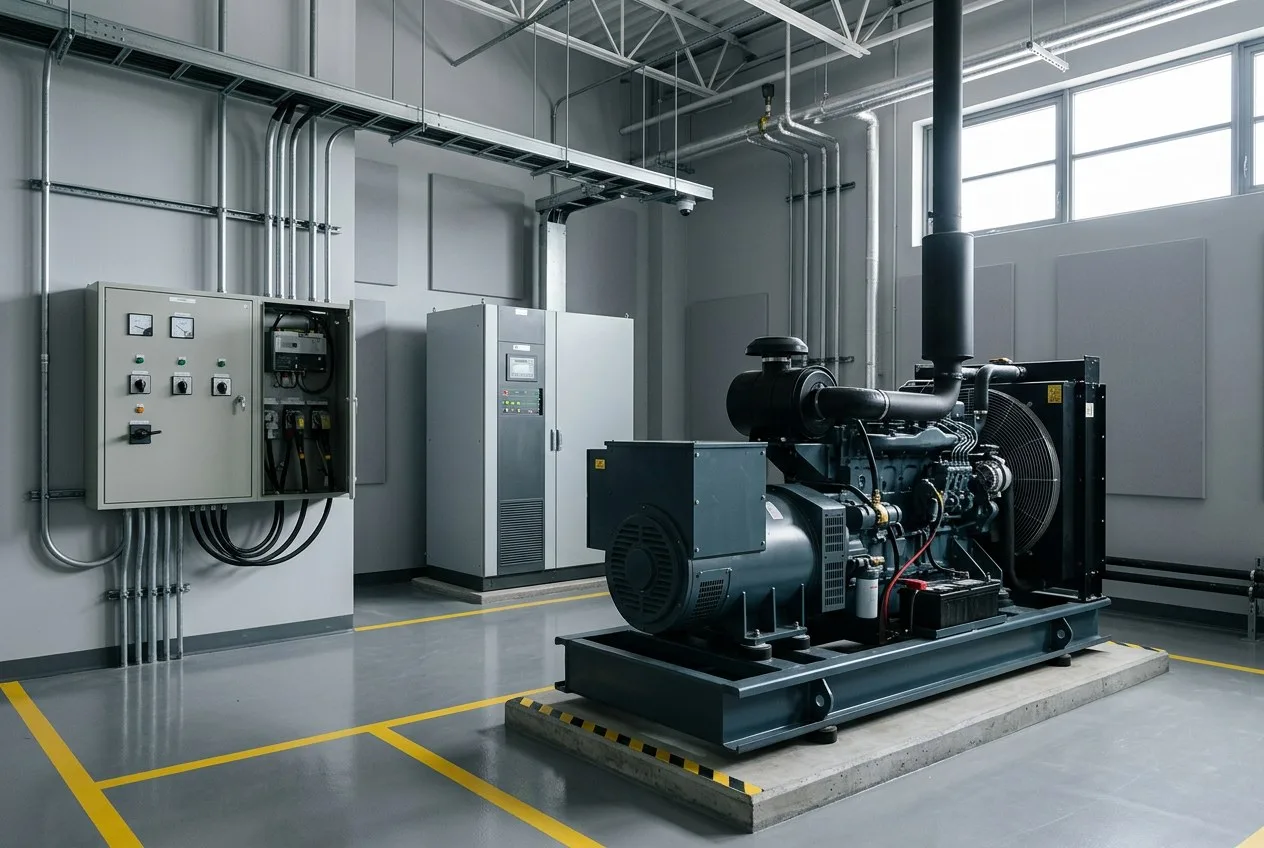
Why Do Frequent Transitions Occur When Working with a Generator?
Frequent switching is common in UPSs connected to the generator; because the voltage and frequency stability of the generator is weaker than the mains. A manufacturer FAQ page explains that switching to battery mode while the generator is running is usually due to the generator's inability to produce a stable frequency, and that if the frequency changes above a certain rate per second, the switch is made for protection; this protection cannot be turned off (CyberPower FAQ). This is not the fault of the device, but the behavior of protecting connected loads.
The general pattern is this: When the load changes, the speed of the generator makes small deviations, the UPS sees this deviation outside the acceptance window, passes to the battery, returns when the deviation is corrected and repeats. Especially if the generator capacity is limited compared to the UPS and other loads, even small load changes create large frequency oscillation.
| Symptom | Possible cause | What can be done? |
|---|---|---|
| Continuous battery-to-mains back-and-forth when the generator is active | Frequency or voltage oscillation | Have the generator regulator and load ratio checked; If the UPS has a generator mode or frequency tolerance setting, adjust accordingly |
| The transition is only with the generator, not on the grid | Generator insufficiency or adjustment | Review generator capacity and load distribution |
| When the generator is activated, the UPS does not accept the grid at all | The sync window is narrow | See if the window can be expanded according to the manufacturer data sheet |
Loosening sensitivity or frequency tolerance isn't always the solution; the protected device is exposed to a wider input window. Details of the topic Frequency and synchronization problems in generator-fed UPS You can find it in the article.
Is the UPS the Problem? Setting, Battery and Hardware Reasons
If the transitions continue after eliminating the network and the load, or even though you do not see any deviation in the network, it is necessary to turn the gaze to the UPS itself.
Sensitivity and input range settings
Many UPSs allow adjustment of the input voltage sensitivity (high, medium, low) and, in some models, the input voltage/frequency range. If the sensitivity is high, even a small deviation will lead to a switchover. The setting may have changed at the factory or during a previous service visit. This adjustment should be made according to the tolerance of the device being protected; for sensitive informatics, laboratory, and medical loads, the device's user manual should be consulted or the service center should be consulted before making adjustments.
ECO mode and bypass behavior
If ECO mode is on, the UPS feeds the load through the bypass line and reacts more quickly to input deviations. This mode increases throughput, but also increases the number of switches in a fluctuating network. The bypass side is also a related issue; Reasons if the UPS is constantly in bypass What does it mean if the UPS is running in continuous bypass mode? It is explained in the article.
How does a weak battery aggravate transitions?
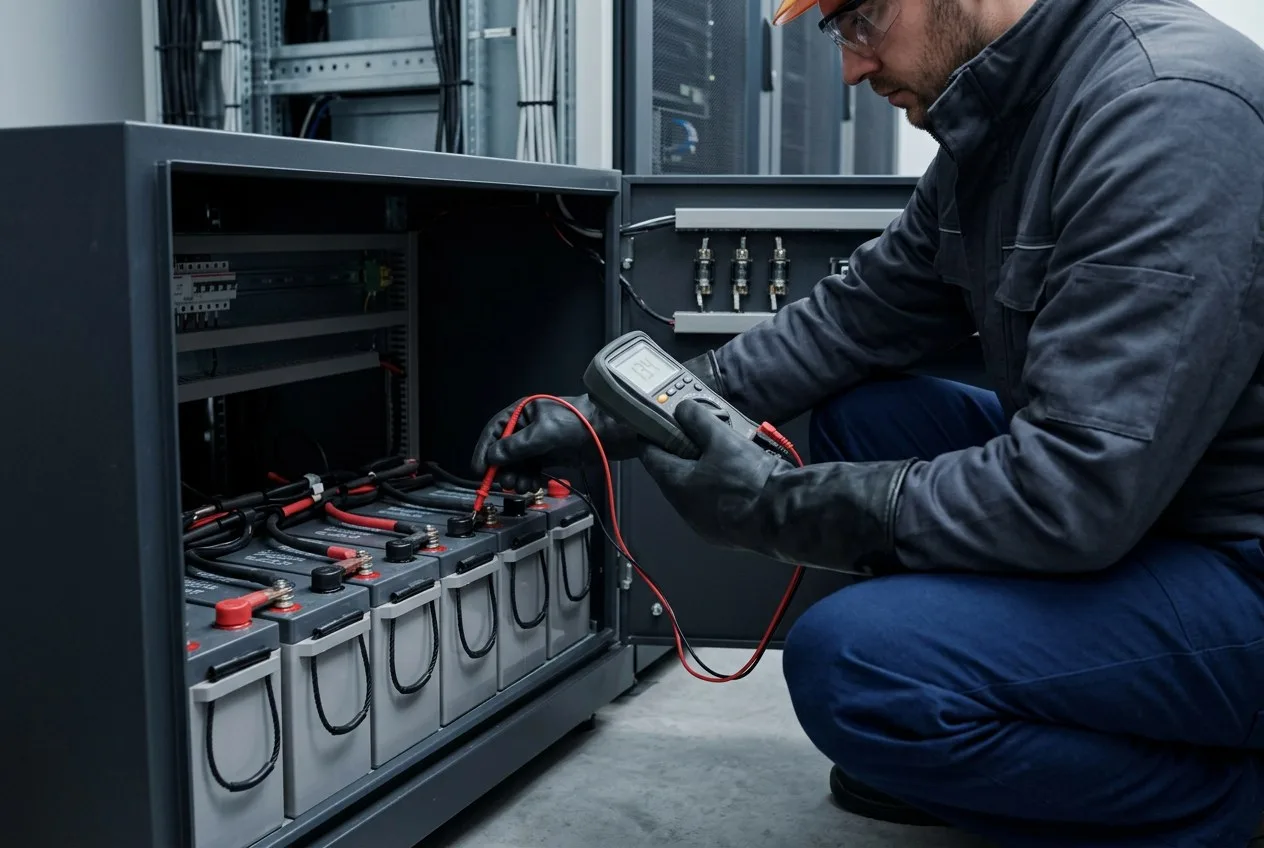
A worn battery is not the initiator of the transition from mains to battery mode, but it significantly worsens the consequences of the switch. When the battery capacity drops, even a few seconds of switching can lead to a rapid drop in voltage, a "low battery" alarm, or even a shutdown of the UPS under load. When evaluating the battery, internal resistance, voltage and capacity measurements are interpreted together; for this interpretation Interpreting Battery Test Results and When to replace the UPS battery are the basis. When you see a swollen, leaking or overheating battery, call the service without touching the device; lead-acid batteries contain electrical energy and acid, and this intervention requires personal safety.
Internal hardware failure
When the board, rectifier, input relay, capacitors or connection connectors in the input measurement circuit are worn out, the UPS may measure incorrectly and switch to battery mode even though the mains is intact. Clues to such faults are:
- The transients do not match your network measurement; The input voltage indicated by the UPS is significantly different from that of a standalone meter.
- Another UPS works from the same outlet without any problems.
- Transitions become more frequent as the load increases, or increase when the device heats up.
- There is a burning smell, overheating or fan problem from the device.
In these symptoms, do not turn on the device and intervene; Inside the UPS, there are capacitors and battery DC line that carry high voltage for a while, even if it is turned off. For decoding alarm codes Alarm and error codes evaluation article You can look at it.
Grid or UPS? Decision Table
The table below is a rough guide to narrow down the cause based on observations. A single symptom is not definitive; evaluate the symptoms together.
| Observation | Most likely why | What to do next |
|---|---|---|
| Other lights dim / devices reset at the same time | Mains or installations | Notify the distribution company and electrician; keep a date-time record |
| The transition happens when the air conditioner or printer works | Sudden load and voltage drop | Take the large load on the separate line; have the installation section checked |
| It only happens with a generator | Generator stability | Generator setting, capacity ratio, and UPS frequency tolerance |
| Other devices are not affected, the input voltage of the UPS is incorrect according to the independent measurement | UPS measurement circuit | Technical service |
| Transitions are periodic, at the same time, short and the load is not affected | UPS's own battery test | See the test range from the setting menu; verify with event record |
| Battery drains quickly in transit / UPS shuts down | Worn battery (not the one that triggers the transition, but worsens the result) | Battery condition and capacity test; replacement if necessary |
| Voltage at the limit: often below 200 V or above 250 V | Continuous grid at the border | Power quality measurement, suitable UPS type or voltage stabilization |
A power quality measurement with a recorder can be performed to prove the extent of the deviation in the grid. Which quantities are measured and how they are read Power Quality Measurement and Analysis article. The measurement results provide concrete data that you can take to the distribution company or facility management.
What Can Be Done to Reduce Transitions?
The solution varies depending on the source of the cause. It would be misleading to attribute them all to a single setting.
What to do
- Disconnect large and inrush loads (air conditioner, compressor, laser printer) from the UPS and take them to a separate line.
- Have loose connections, sockets and extension cords checked by a qualified person.
- If the network is constantly at the limit, consider a UPS model with a larger input window or an online UPS.
- When using with a generator, review the generator's capacity and regulator setting; if the UPS has a generator-compatible setting, use it.
- Readjust the sensitivity setting to match the tolerance of the load.
- Have the battery tested; if necessary, replace the batteries.
- Include it in the periodic maintenance schedule and evaluate the event record together with the maintenance report.
Don'ts
- Silencing the alarm sound and not investigating the cause.
- To reduce the precision to the lowest level without knowing the tolerance of the load.
- "Cover" the problem by connecting a stabilizer or another UPS in series to the UPS. The devices can make each other unstable.
- Opening the cabinet and dealing with the card and battery connections.
- Continuing to work with a swollen or leaking battery. For devices with water and moisture effects UPS in a flood or humid environment See the article.
The "setting" items in this list change the level of protection. For critical loads (server, medical device, process control), it is safer to make the setting change together with authorized technical personnel.
A Checklist Before Calling for Service
| Control | Why is it important? |
|---|---|
| Event log (date, time, duration, message) | Cause and frequency of transit |
| UPS brand/model, kVA, number and age of batteries | Input window and battery expectation |
| Connected load list (especially engine, air conditioner, printer) | Possibility of inrush current and overload |
| Generator use | Frequency and voltage stability |
| Input voltage measured by an independent device | Accuracy of UPS measurement |
| Last maintenance and battery test date | Battery and hardware age |
| Recent lightning, water, construction work or plumbing change | Possibility of external cause |
A service call with this information increases the likelihood of resolving the problem on the first visit. In addition, if a network problem leading to frequent switching is detected, the choice of UPS or additional protection solution (e.g. surge arrester and suitable input window) can be discussed; for shock protection Sudden Voltage Impulses and Surge Arrester is a beginning.
When is Emergency Intervention Required?
Do not tamper with the UPS yourself, safely shut off the load and contact an authorized technical service center if:
- Burning smell, smoke, crackling, or overheating from the appliance.
- Swelling, leakage or pungent odor in the batteries.
- Interruption in output, jitter, or resumption of load devices during transitions.
- After the transition, the UPS remains in battery mode even though the grid is restored.
- Hot spot on the cabinet or board on the wall, blackening.
If the problem is in environments where interruptions will have severe consequences, such as hospitals, laboratories, server rooms, frequent transitions should not be left as a matter of "wait and see". The fact that a few transitions alone are not dangerous does not eliminate the cumulative effect of repetition on the battery and hardware.
Bempower Support for Next Steps
If you are not sure whether you are looking for the reason why your UPS frequently goes into battery mode in the network or in the device, Bempower provides on-site discovery, installation, periodic maintenance and technical service for all brands of UPS and battery groups; Our teams in Istanbul and surrounding provinces can evaluate your device together with event recording, battery testing and input measurements. Your service request and event log information Our contact page You can send it over.
- EN 50160:2022 - Voltage characteristics of electricity supplied by public electricity networks — CENELEC, 2022. https://standards.iteh.ai/catalog/standards/clc/083c552d-f4b8-4373-a5ec-8a27b6c8d37d/en-50160-2022
- Standard EN 50160 / Voltage characteristics of electricity supplied by public distribution systems — Leonardo Energy. https://leonardo-energy.pl/wp-content/uploads/2016/07/EIM01201-Norma-EN-50160-ang..pdf
- Quality Regulation on Distribution and Retail Sales Activities in the Electricity Market — Legislation Information System (mevzuat.gov.tr), 2020. https://mevzuat.gov.tr/anasayfa/MevzuatFihristDetayIframe?MevzuatTur=7&MevzuatNo=36132&MevzuatTertip=5
- Why does my UPS go into battery mode while connected to a generator? — CyberPower Systems. https://www.cyberpowersystems.com/faqs/why-does-my-ups-will-go-into-battery-mode-while-connected-to-a-generator/
Resources
