


Why Does UPS Switch to Bypass? Causes and Solution

If the UPS has suddenly switched to bypass mode and the bypass icon or warning lights up on the screen, don't panic. Switching to bypass is often the UPS's It is a decision he made to protect himself and the burden. The load continues to receive electricity, but the protection of the UPS is disabled at that time. In this article, we explain why the UPS goes into bypass and what you should do.
What does it mean to switch to bypass?
In normal operation, the load is fed from the inverter of the UPS. In bypass mode, the mains voltage is given directly to the load by disabling the inverter. This means that your devices continue to work, but If the power goes out, there is no backup. For detailed description: What is UPS Bypass?
Top reasons why UPS switched to automatic bypass
- Overload: If the load exceeds the UPS capacity, the UPS switches to bypass after a period of time to protect itself. See UPS Overload Alarm
- Overheating: When the fan malfunctions, clogged ventilation or hot ambient temperature rises, the UPS can switch to bypass. See UPS Overheating and Fan Failure
- Inverter or power stage failure: If the internal component fails, the UPS takes the load to the bypass line.
- Overcurrent or short circuit: If there is a short circuit in the load, the bypass line fuse may activate and protect the load.
- Battery problem: If the battery is disconnected or the battery has reached the end of its life, some models give a bypass warning.
- Manual bypass: For maintenance, the technician or user can knowingly bypass the UPS.
- Eco mode (eco): Some online UPSs have the option to operate from bypass when the network is suitable to increase efficiency.
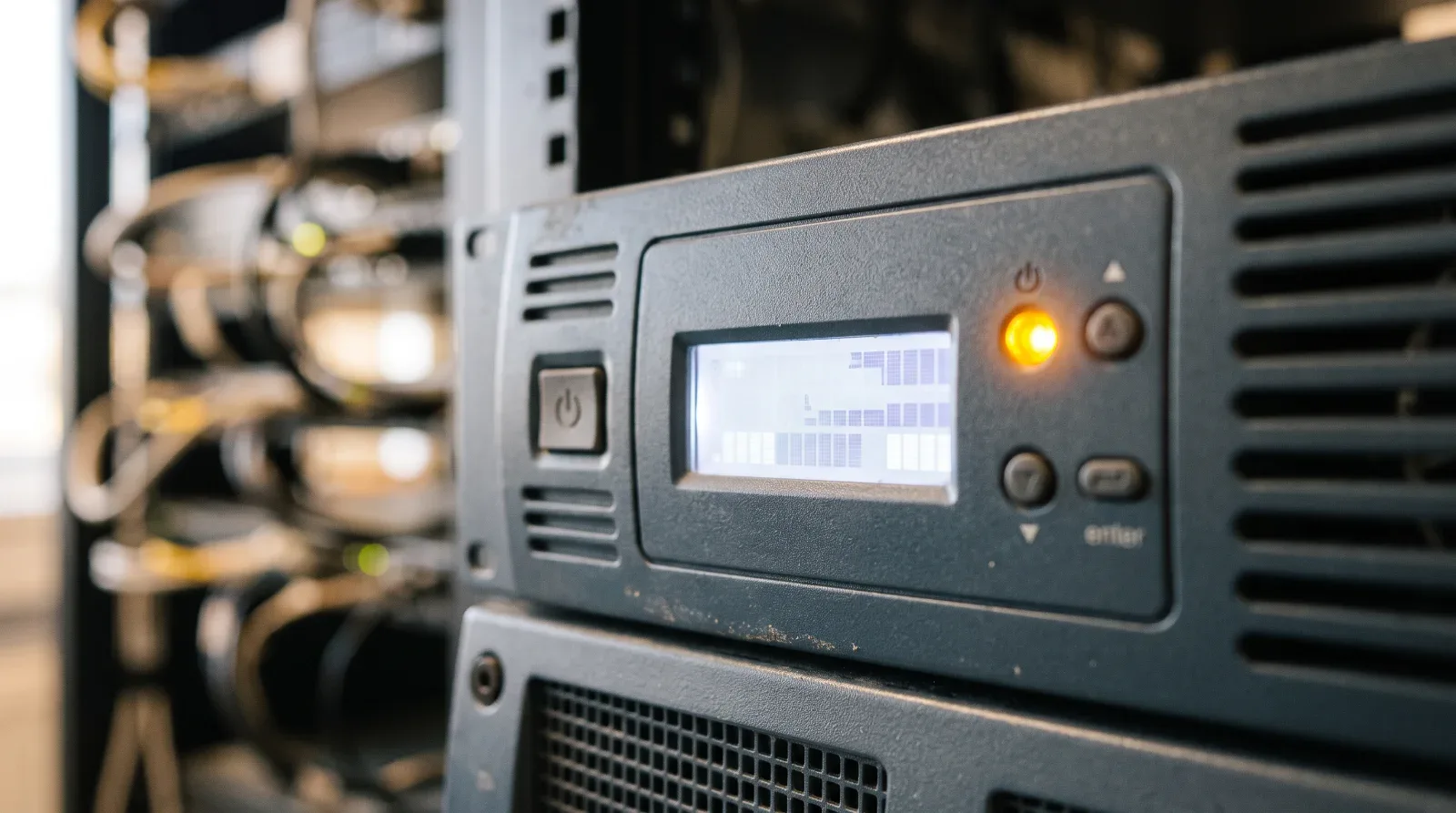
What to do when switching to bypass?
- Read the display and alarm code. Why is it written on the screen most of the time? See UPS Alarm Codes
- Check the load. If you have added a new device, remove it and keep the load below the UPS capacity.
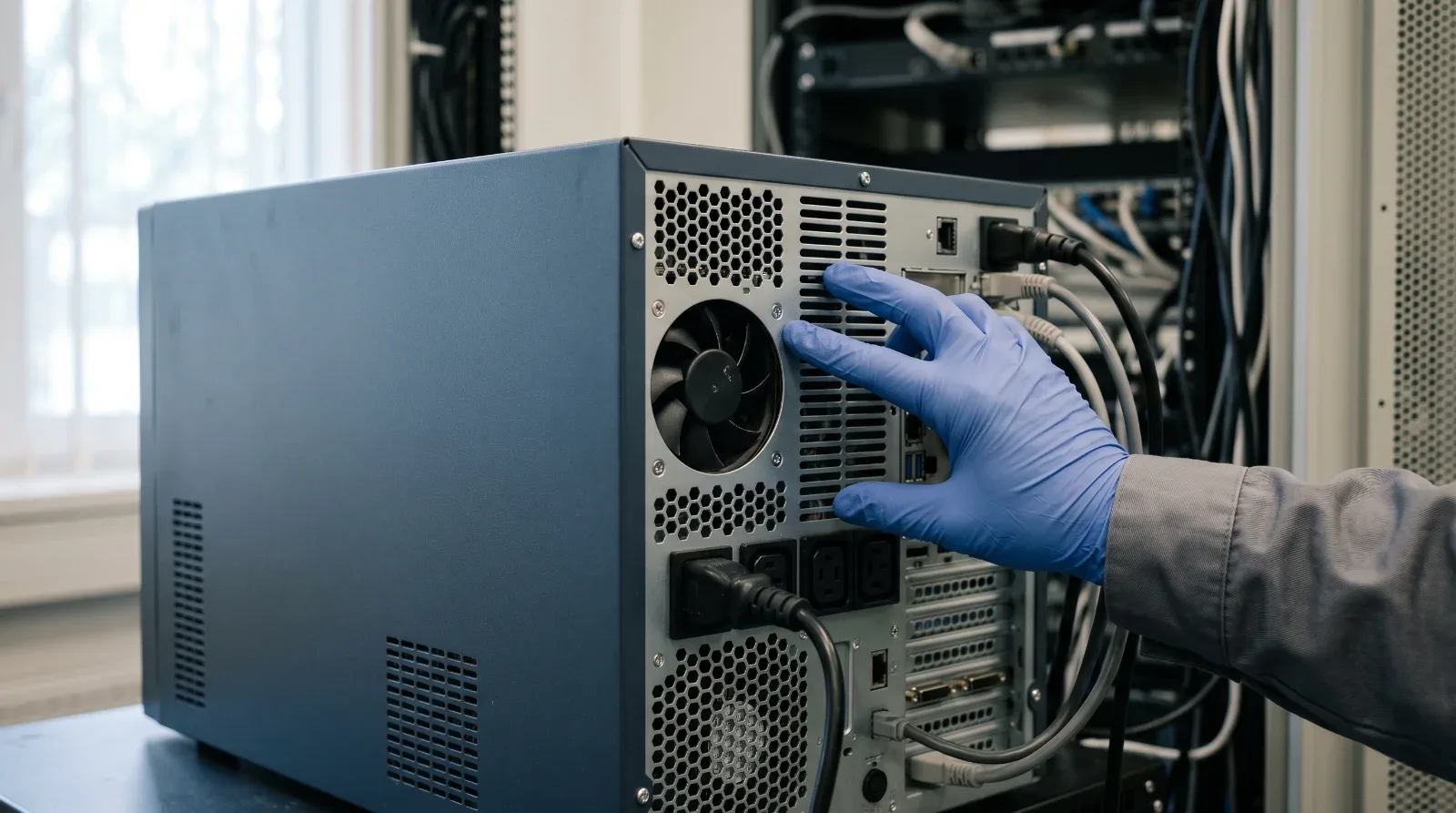
- Check the ventilation. See if the fan is working, if there is space behind and next to it, if the room is too hot.
- Try restarting the UPS and wait for it to return to normal mode if it works safely.
- If it stays in bypass all the time, call for service. See What Does It Mean If UPS Is Running in Continuous Bypass Mode?
Why is it risky to work in Bypass?
In Bypass, the load is unprotected:
- If the power goes out, the devices turn off instantly.
- Voltage surge, spike, and interference go directly to the device.
- The voltage and frequency correction provided by the UPS is removed.
Therefore, do not consider the bypass warning temporary. The cause must be found and remedied. See Why Does a UPS Fail?
To prevent bypass
- Keep the load below approximately 70-80% of the UPS's capacity.
- Keep the ventilation open, check the ambient temperature and have dust removed.
- Have the batteries tested regularly and replace the expired ones. See When Should a UPS Battery Be Replaced?
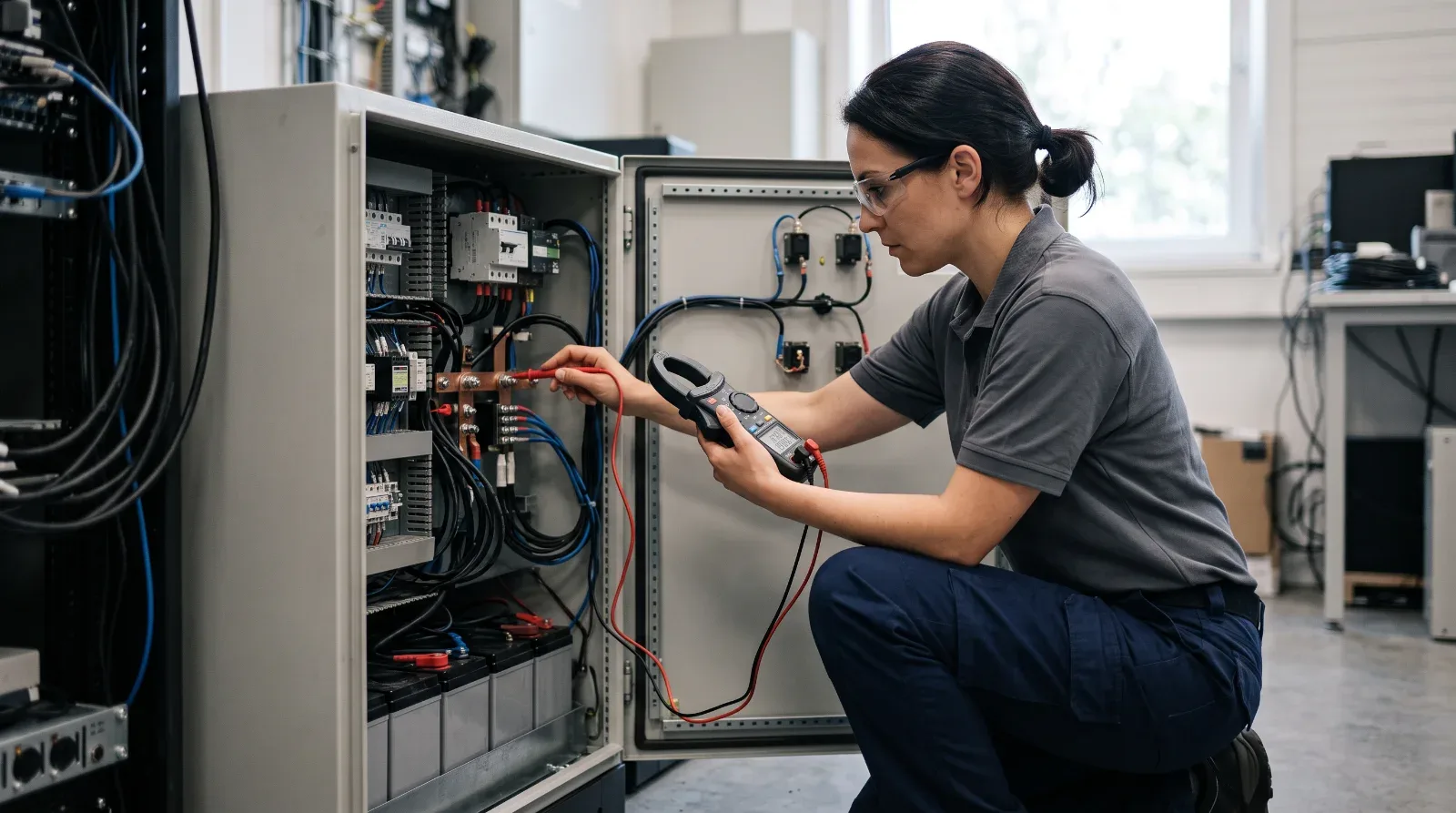
- Have annual periodic maintenance. See What is UPS Maintenance?
Frequently Asked Questions
01Do devices turn off when I switch to UPS bypass?
02Why did UPS switch to bypass automatically?
03How to return to normal mode from bypass?
04How long can a UPS stay in bypass mode?
05Is Eco mode the same as bypass?
06Does the bypass warning indicate a dead battery?
Let's Choose the Right Solution Together
If UPS is stuck in bypass or you can't find the cause, you can contact our service team. Contact Now You can write on our page.
