


Information to Prepare Before a UPS Service Request

Your UPS alarms, won't turn on, or won't carry the load when the power goes out. When you call the service, the first questions are mostly the same: Which brand and model? What is written on the screen? How long has it lasted? How old are the batteries? Having the answers to these questions in advance will speed up the diagnosis, come with the right parts and equipment, and avoid unnecessary second visits.
This guide explains what information to collect before opening a case, where to find it, what observations can be made safely and what interventions to avoid. It's made for anyone interested in UPS, from home and small office users to business owners, IT and facility management managers to procurement.
At the end, you will also find a service request form template that you can adapt to your own organization. The aim is not to fix the fault yourself; to provide information to the workshop in a complete, accurate and secure manner.
Why is it important to gather information before a case?
UPS failures can be caused by very different reasons that seem similar from the outside. The phrase "UPS is chirping"; It can correspond to dozens of situations, from network fluctuation to overload, from end of battery life to fan failure. The more concrete data the service team receives, the faster it narrows down the candidate causes.
A request filed with incomplete information usually results in:
- The technician arrives with equipment or spare parts for the wrong power class; a second visit is required due to lack of parts.
- Because no outage window is planned for a critical load, the operation is delayed.
- Event logs left by transient and recurrent failures are deleted as the device is rebooted.
- The first guidance that can be made by phone cannot be made; unnecessary field is taken.
The safety standards of the UPS are based on the assumption that the device is installed, operated, and maintained in the manner described by the manufacturer. IEC 62040-1 aims to ensure safety for the ordinary person who comes into contact with the UPS and for the competent person in the specified situations, and to reduce fire, electric shock, thermal, energy and mechanical hazards. In other words, the limit between "what you can do" and "what you should leave to authorized personnel" is also clear in the standards. The preparatory steps in this article are observation and recording works that fall within that limit.
1. Device ID: brand, model, serial number and power information
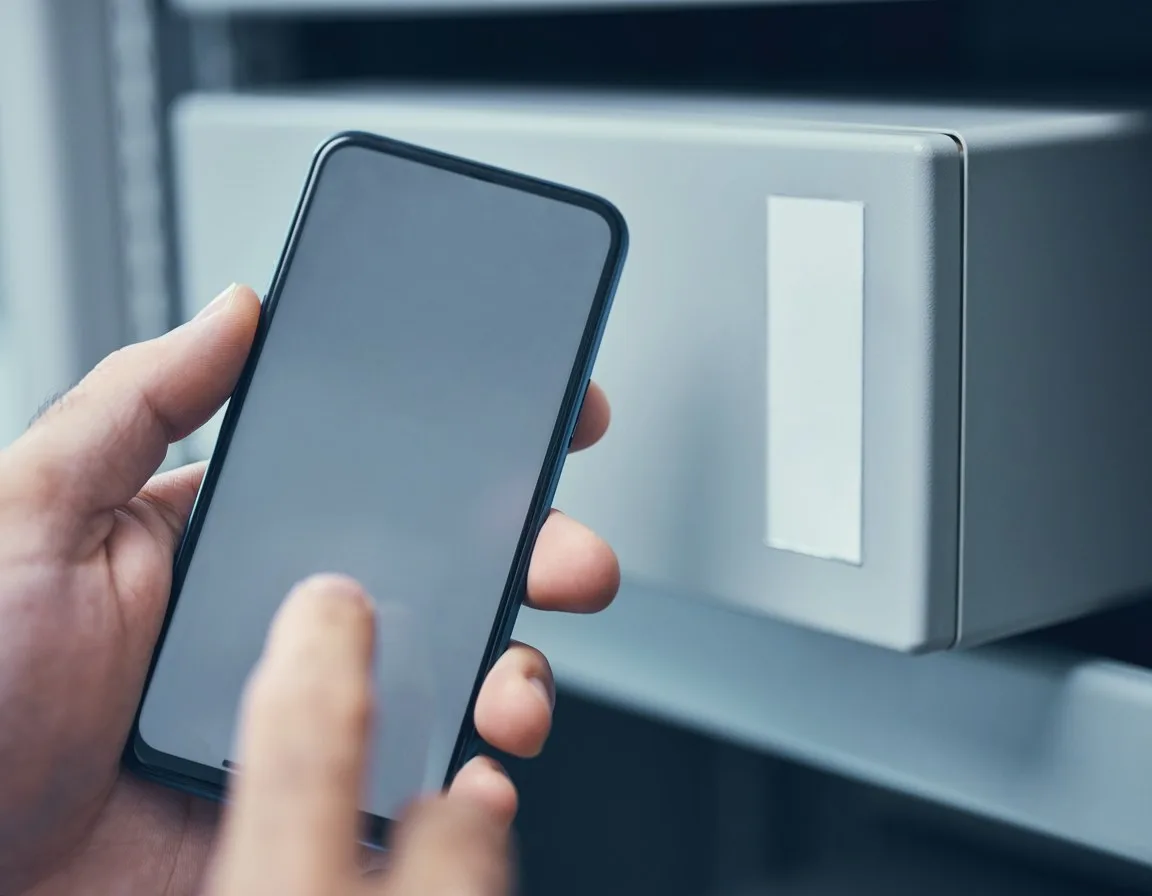
The first line of the service request is the ID of the device. This information is on the type label (nameplate). The label is usually located on the back or side of the device, and in large cabinets, on the inside of the front cover or on the side panel. If you need to open the cabinet, do not do this; it is read when authorized personnel arrive. For small and medium devices, it is safest to take a clear photo of the label with a phone.
| Information | Where to find it? | Why is it necessary for service? |
|---|---|---|
| Brand and model | Type label, front panel, instruction manual | Part, software and manual matching |
| Serial Number | Type label, on-screen menu on some devices | Manufacturing date, hardware overhaul, warranty and history record inquiry |
| Rated power (VA/kVA and W/kW) | Type label | Load analysis and selection of appropriate test equipment |
| Input/output phase structure | Label or wiring diagram | Single-phase / three-phase separation, measurement plan |
| UPS type | Manual, product code | The fault tree is different according to its online, line-interactive or offline structure |
| Firmware version | On-screen menu or monitoring software | Known bug and compatibility check |
| Installation / commissioning date | Delivery report, invoice, maintenance file | Component life prediction |
If you don't know the device type Types of UPS You can benefit from the distinction in the article. Do not confuse the difference between VA and W in power values; this issue Calculation of UPS power in VA, kVA and Watts It is explained in detail in the article. If the label says both kVA and kW, forward both to the service.
Also, note the date the product was installed and which company previously provided service. If there is a warranty or maintenance contract, include the contract number and scope. About what the contract covers UPS maintenance agreement You can take a look at the article.
2. Malfunction symptom: what exactly do you see and hear?
"Not working" carries too little information for the service. Describe the symptom as measurably and observably as possible.
Display, LED and alarm code
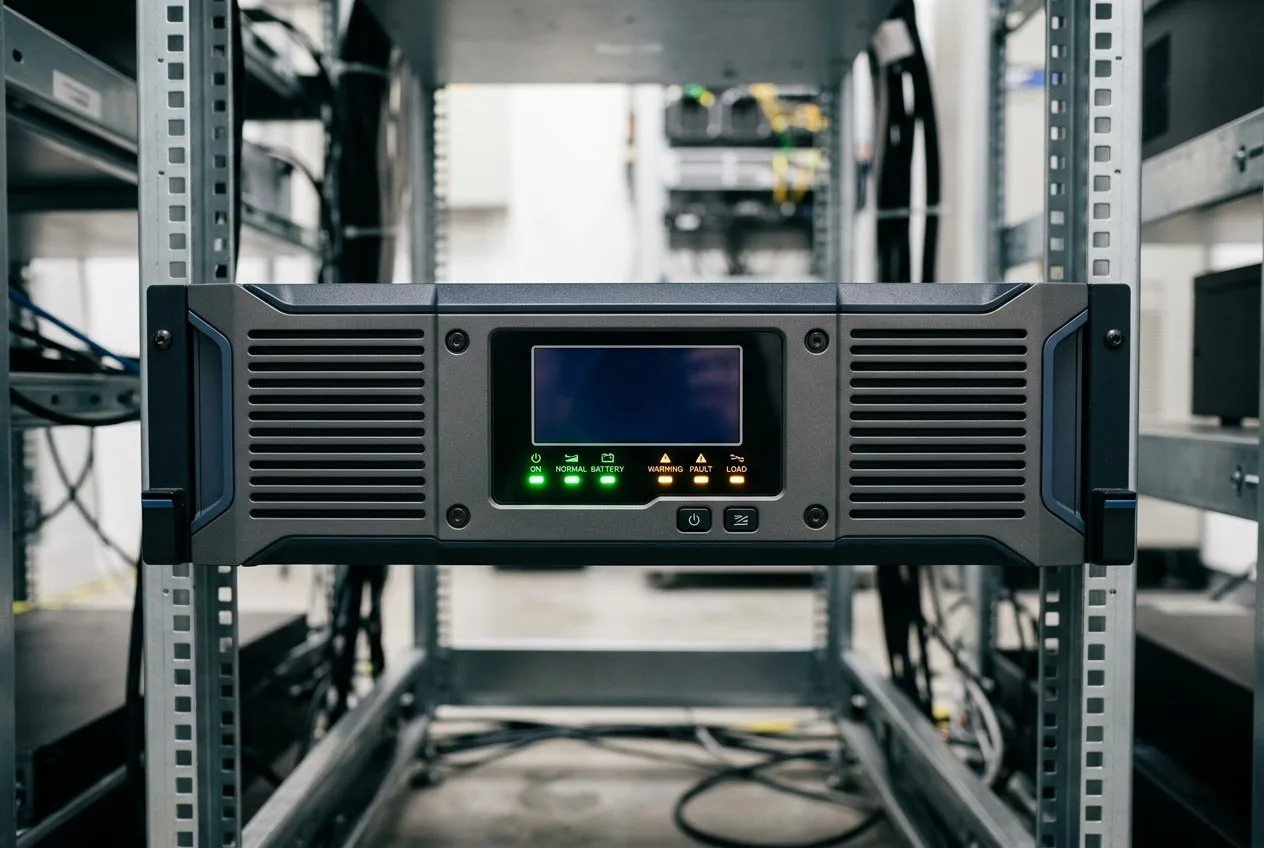
Write down the message on the display, the alarm code and the lit LEDs and photograph them. Even if the code is only a number, it is valuable for service; because each manufacturer uses its own code table. For the general framework of how the code is interpreted UPS alarm and error codes You can check the article. If there is an alarm history (log) menu, photograph the last few records; some devices delete the instant alarm when restarted.
Sound and smell
The type of sound also gives clues: continuous, intermittent, short or periodic beeps indicate different situations. For details Why does UPS beep is useful. If there is a burning smell, excessively hot housing, abnormal buzzing or a pungent odor in the battery area, be sure to highlight this in the request; in this case, it is a priority to safely isolate the device (see section below) rather than approaching it.
Timeline
Describe the breakdown like a timeline:
- When did you first notice it? (date, time)
- Was there an event before? (storm, power outage, load addition, transportation, cleaning, working on building electricity)
- Is the problem continuous or intermittent? If it is intermittent, under what condition does it occur? (when a certain time, a certain device is running, at night, in the summer heat)
- Has there been a similar malfunction before, what was done then?
We have specialized articles for common scenarios: UPS won't turn on, UPS frequently switches to battery mode and UPS in continuous bypass mode. If your specification fits one of these, follow the safe initial checks in the relevant article and attach the results to the request.
3. Safe first observations: what to do, what not to do?
Everything to be done while waiting for service should be based on the principle of "observe and record". The UPS contains the mains voltage, the battery DC voltage and the energy stored in the capacitors. In medium and large systems, the battery array can reach hundreds of volts; short circuit carries the risk of arcing and serious burns. For this reason, it is up to authorized electrical personnel to open the cover, disconnect the battery cable or take measurements. For detailed reasons Occupational safety in UPS and battery work See the article.
| What you can do | What you should not do |
|---|---|
| Photographing the screen, LEDs and sticker | Opening the lid, battery cabinet or panel of the device |
| Noting the alarm code, date and time | Touching battery terminals, cables; tightening or unscrewing |
| List connected loads and their operating status | Trying unknown fuses, switches or bypass switches |
| Observing the ambient temperature and ventilation status | Closing or covering fan and ventilation inlets |
| If there is an odor, smoke or heating, evacuating the area and notifying the authorities | Trying to carry a swollen, leaking or heated battery alone |
| Reducing the load from non-critical devices (as instructed) | Load more "Trying" UPS |
After an event (lightning, mains impact, flooding), it is better to make a service call before re-energizing the device. For these two situations UPS after lightning and mains strike by UPS and battery in a flood or humid environment The articles explain the observations you should add to the request. If the device is damp or wet, do not try to turn it on again.
4. Battery information: the most frequently asked topic by the service
A significant proportion of UPS failures are battery-related; therefore, battery information is one of the most valuable parts of a service request. A general guide to battery systems IEEE 1184 scope, Selection, sizing, installation, maintenance and testing of standby batteries in UPSs is defined as. Each of these headings comes to the service conversation as a question.
| Information | How to find out? | Note |
|---|---|---|
| Number of batteries and block voltage | Label on battery body, in-cabinet count (if visible without opening cabinet) | For example, a 20 block series array of 12 V gives a nominal DC of 240 V |
| Capacity (Ah) | Battery label | See battery capacity for label reading detail |
| Battery type | Label, installation file | Such as VRLA/AGM, gel, open type, lithium |
| Age | Production date code, change report | If unknown, write "unknown"; don't guess |
| Post-test and conclusion | Maintenance report | Load test, internal resistance, capacity test should be specified separately |
| Visual situation | Outside view, photo | Swelling, leakage, corrosion, discoloration |
| Ambient temperature | Thermometer, building automation | High temperature shortens battery life |
To decipher expressions such as C10, C20 on battery labels Battery capacity (Ah) To clarify the question of "change or renewal?" about batteries When to replace a UPS battery You can read the article. Used for stationary VRLA batteries IEEE 1188 Application suggestion, In addition to maintenance, it also provides guidance on when batteries need to be replaced. The service may recommend a battery test in this context; to know in advance how long this takes and the risk of downtime Planning a battery pack test is helpful.
The most common mistake in battery information is to say "the batteries are new" but not know the replacement date. If there is no record, make this clear. If the age is unknown, the workshop will plan the test recommendation accordingly.

5. Load and environment information: what and how much does it feed?
Load information is necessary both to understand the cause of the malfunction and to correctly select the solution (part, capacity, reconfiguration). Give two pieces of information separately: the current value that appears on the screen and the list of connected devices.
Example calculation: actual power estimation from screen load percentage
Assumptions: a single UPS says 10 kVA / 9 kW on its label (power factor 0.9). The display shows the load at about 62%. We assume that the display calculates the percentage from the rated value; some devices may show kVA, some may show kW-based percentage, so note the unit in the display menu as well.
- Rated active power: 9 kW.
- Approximate load: 9 kW × 0.62 ≈ 5.6 kW.
- Remaining theoretical margin: 9 − 5.6 ≈ 3.4 kW.
This calculation only gives an idea. If you receive an overload warning, photograph the table and communicate it separately. Overload is also often seen by connecting devices that draw inrush current (motor, air conditioner, laser printer). For these headings UPS overload alarm and the inrush current issue are self-explanatory. Mark which devices are "critical" in your load list as well; this helps the service determine the sequence of operations (What is critical load).
Data required for estimating the approximate time with the battery
In the same example, the battery array is 20 12 V / 40 Ah blocks. Nominal energy: 20 × 12 V × 40 Ah = 9,600 Wh (approximately 9.6 kWh). But usable energy; It is well below the nominal value depending on the discharge rate, temperature, battery age, inverter efficiency and end-discharge voltage. Therefore, the actual backup time is determined from the discharge table and measurement in the data sheet. For calculation logic Battery Time Calculation article, to measure the actual time Autonomy Duration Test You can look at the article. It is very valuable for the service to write "expected time" and "actual time" separately in the request.
Environment
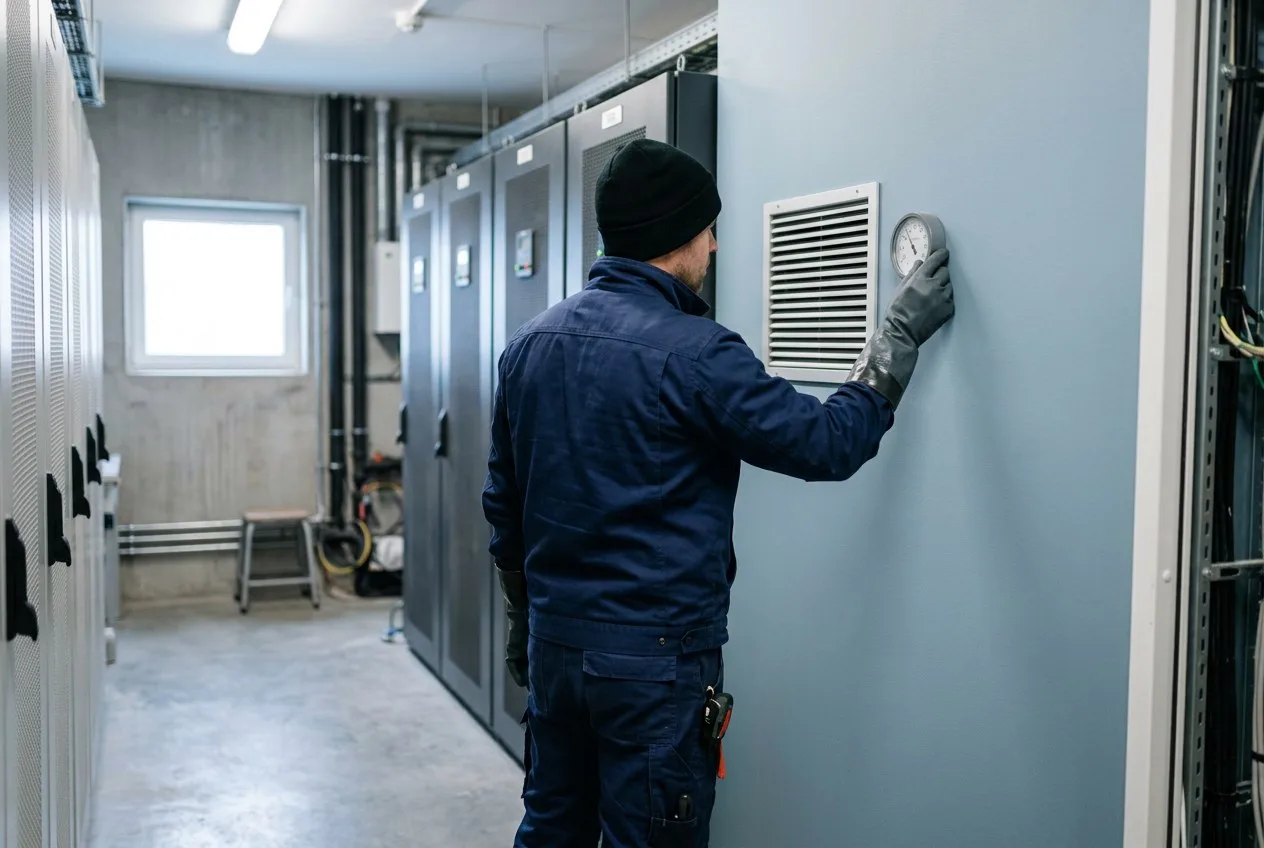
- The room where the UPS is located: ventilation, air conditioning, dust, humidity, direct sun.
- Gaps around the perimeter: are the ventilation openings closed around the device?
- Stability of the floor and cabin access (for heavy appliances).
- Are there any sources of chemicals, moisture, or leaks near the cabinet?
For the effect of temperature and fan problems on failure UPS overheating and fan failure See the article.
6. Grid, generator and event history
The source quality at the input of the UPS solves the question of "is it in the UPS or in the network" of the fault. In short, add the following:
- Has there been a power outage, voltage drop or increase in recent days? Was there a problem with other devices in the vicinity?
- Has a new large load (elevator, air conditioner, compressor, workshop machine) been activated in the building?
- Does the UPS work with a generator? Does the behavior of the UPS change when the generator starts?
- Has the fuse, residual current relay or switch in the panel tripped?
- Do you have any doubts about grounding or previous measurements?
For the background of power quality issues Power quality and UPS grounding inscriptions; for generator interaction The difference between UPS and generator is useful. If there has been an incident in the distribution network, note the records of your business (event date, duration).
Remote monitoring and recordings
If you are using a UPS network card or monitoring software, export event logs, email, or SNMP alerts. A log file is much more reliable than verbal narration because it provides a timestamped sequence of events. About this UPS remote monitoring and alarm management text guides. Also check that the recording date and device time are set correctly; if the time is incorrect, noting this prevents misinterpretation of the sequence of events.
7. Care history and previous interventions
The workshop wants to know the "history" of the device. Maintenance reports, test results and parts replacement records on hand reduce the diagnostic time. Collect the following documents in a folder (paper or digital):
- Last maintenance report and date; about reading the report How to read a UPS maintenance report may help.
- Battery tests and results.
- Previously replaced parts (fan, capacitor, board, battery) and their dates.
- Previous fault records and service receipts.
- Commissioning/acceptance test report.
If you are an old device, the issue of parts supply also comes to the fore; for this UPS spare parts and old model support by When to renew old UPS provide the framework for the decision to repair and refurbish. Standard framework for safety and performance testing IEC 62040-3 is given with; this standard defines the performance and test conditions of UPSs with an upper limit of mains voltage and output voltage not exceeding 1,000 V and energy storage unit voltage not exceeding 1,500 V DC. The manufacturer of your appliance gives the declared values according to this standard in the data sheet; in service tests, the measurements are compared with these declared values.
8. Case form template
The table below helps you organize the information you collect on a single page. You can adapt it to your institution's own internal form and copy it when transmitting it by phone and email.
| Area | Information to fill in | Example (hypothetical) |
|---|---|---|
| Institution / location | Address, floor, room, authorized person and telephone | Head office, basement UPS room |
| Device | Make, model, serial number, kVA/kW, phase | Sticker photo attached |
| Symptom | Display message, alarm code, sound, LED | Alarm code on the display; short-interval beep |
| Getting Started | Date, time, triggering event | The morning after the storm |
| Frequency | Continuous / intermittent / only under certain conditions | 2-3 times a day, in the afternoon |
| Load | Load % on screen, connected devices, last change | 62%, server + switch + printer |
| Battery | Menstruation, Ah, type, age, posttest, visual status | 20 × 12 V/40 Ah, age unknown |
| Environment | Temperature, humidity, dust, ventilation | The room is air-conditioned, no dust |
| Mains/generator | Interruption, fluctuation, generator relationship | No generator |
| What has been done | What observation and action was taken, the result | Device did not restart, photos were taken |
| Urgency | Load criticality, acceptable outage window | Deduction possible after 18:00 on weekdays |
| Access | Entry permit, key, working hours, accompanying person | Advance notification to the security unit |

9. Urgency, disruption window and access plan
Organizational knowledge is just as important as technical knowledge. Many operations on the UPS (maintenance bypass, battery disconnection, testing) may require a short-term risky transition window. Therefore, tell the service that:
- Critical load list: Which systems are not interrupt tolerant? What is the safe shutdown sequence for these devices, if necessary? (For server rooms Automatic shutdown of servers See the article.)
- Bypass possibility: Does the device have a maintenance bypass? For concepts UPS bypass is useful. During bypass, the load remains directly connected to the grid and lacks protection; therefore, time planning is required.
- Backup feed: Is there a generator or a second UPS? If there is a redundancy structure (N+1, parallel), indicate this; Redundancy in UPS explains the concepts.
- Working hours and leaves: Approval for out-of-hours intervention, work permit and accompanying person.
- Access: Floor, elevator, door width, parking lot. This is very important if heavy cabins or batteries are to be transported.
If you are planning for the continuity of your business UPS in business continuity planning shows how to link this information to an organizational policy. For standardization of service requests in multi-branch structures UPS maintenance management in multi-branch businesses You can look at the article.
10. Common mistakes in a service request
| Error | Conclusion | The truth |
|---|---|---|
| Turning the device off and on without typing the alarm code | The trace of the incident is erased, making identification difficult | First photo and note, then service instruction |
| Just saying "UPS is broken" | Wrong part, wrong equipment, second visit | Describing symptom, time and event history together |
| Estimating battery age | Wrong decision (unnecessary change or delayed change) | Writing "unknown" if there is no record |
| Underreporting or overreporting the load | Incorrect capacity analysis | Giving screen value and device list together |
| Opening the cabin on your own and unplugging the battery cable | Electric shock, arcing, device damage | Visual observation only; intervention is in authorized personnel |
| Forgetting access and permission information | The technician waits at the door, the work is postponed | Pre-authorized and permit plan |
| Not reporting intermittent failure as "passed" | The recurring problem takes root | Recording each event with date time |
11. After service: what to request, how to keep records?
Request a written report when the service is completed. Report; It should include measurements made, parts changed, the latest condition of the device and recommended actions, if any. For general information about the process UPS technical service process for letter, response time and warranty coverage Response time, warranty and labor in UPS service provides additional detail.
For the question of what checks are expected to be made in the recommissioning of the device after repair Commissioning after UPS repair You can look at the article. Keep the following records on your side:
- Service date, operation performed and replaced parts.
- The element mentioned as the root cause of the failure and the recommendations to reduce the risk of recurrence (environment, load, maintenance frequency).
- Scheduled date for the next maintenance or battery test.
These records make the next service request much easier than from the start. If you want to set up a regular maintenance schedule UPS maintenance frequency and maintenance schedule is a starting point. If the problem is not only with a UPS but also with a solar-powered system such as a hybrid inverter, for error codes and warning logic Hybrid inverter faults and error codes You can review the article.

Quick checklist: before you pick up the phone
- Has the label photo (brand, model, serial number, power) been taken?
- Have the screen and LED photo, alarm code and time been saved?
- Is the start time of the fault and the event before it written?
- Is the load percentage and connected device list ready?
- Has the battery number, Ah value, age, and last test information been collected?
- Has the ambient temperature and ventilation status been noted?
- Have the grid or generator incidents been reviewed?
- Have access permissions, authorized persons, and interruption windows been determined?
- If there is a security risk (odor, smoke, heating, leakage), was the service told in the first sentence?
If you are experiencing a UPS or battery group failure in your business, Bempower provides on-site exploration, installation, periodic maintenance and technical service in Istanbul and surrounding provinces. With the information you have prepared From our contact page You can contact us; our team evaluates your request and shares the appropriate response plan with you.
- IEC 62040-1:2017 – Uninterruptible power systems (UPS) – Part 1: Safety requirements — IECEE / IEC, 2017. https://www.iecee.org/certification/iec-standards/iec-62040-12017
- IEC 62040-3:2021 – UPS – Part 3: Method of specifying the performance and test requirements — IECEE / IEC, 2021. https://www.iecee.org/certification/iec-standards/iec-62040-32021
- IEC 62040-3 – Publication page — IEC Webstore, 2021. https://webstore.iec.ch/en/publication/60140
- IEEE 1188 – Recommended Practice for Maintenance, Testing, and Replacement of VRLA Batteries for Stationary Applications — IEEE Standards Association, 2025. https://standards.ieee.org/ieee/1188/11656
- IEEE 1188a-2014 – Amendment 1: Updated VRLA Maintenance Considerations — IEEE Standards Association, 2014. https://standards.ieee.org/standard/1188a-2014.html
- IEEE 1184-2006 – Guide for Batteries for Uninterruptible Power Supply Systems — IEEE Standards Association, 2006. https://standards.ieee.org/standard/1184-2006.html
Resources
